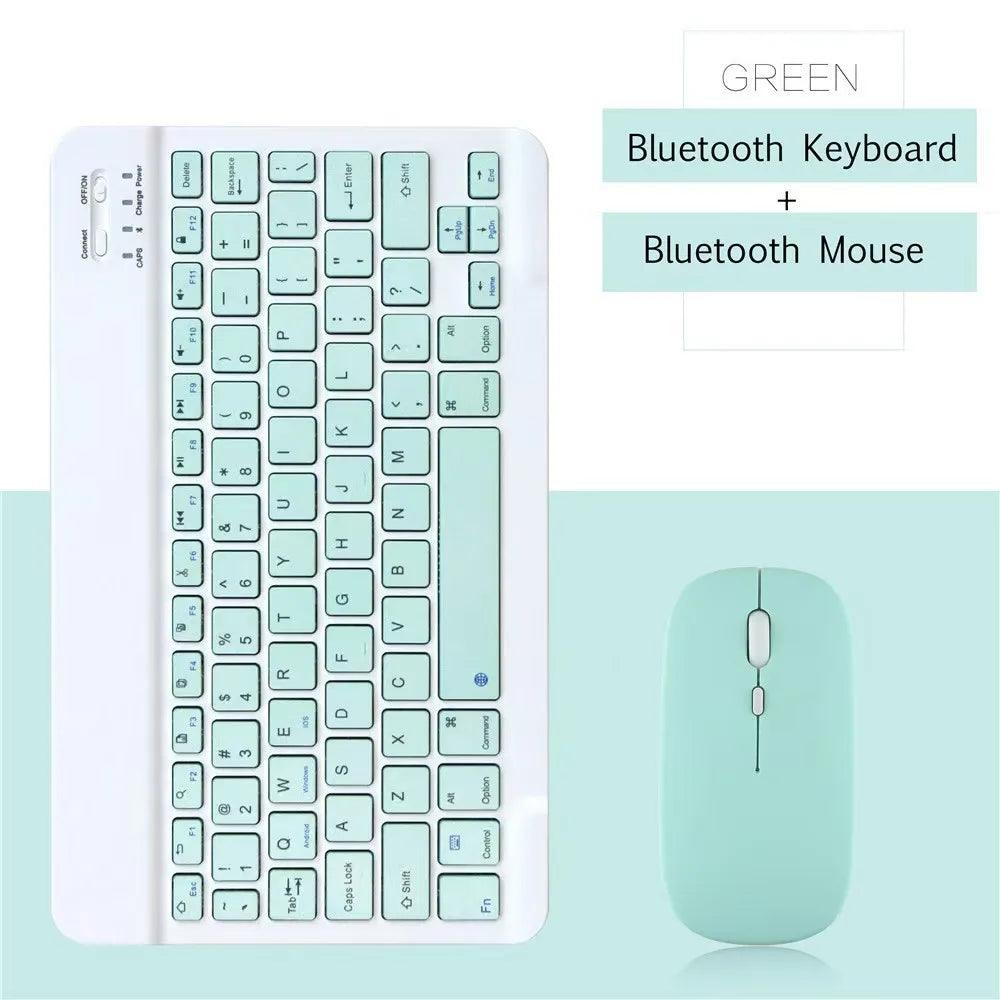
10 lnch Wireless Bluetooth Mini Keyboard For iPad Phone Tablet Portable Bluetooth Keyboard and Mouse For Samsung Xiaomi Android
10 lnch Wireless Bluetooth Mini Keyboard For iPad Phone Tablet Portable Bluetooth Keyboard and Mouse For Samsung Xiaomi Android
Couldn't load pickup availability
Secure checkout
🚚 Shipping Policy
🚚 Shipping Policy
Free U.S. shipping on orders over $50.
We offer quick and dependable shipping. Orders arrive within 7–12 business days, complete with tracking updates.
↩️ Money back Guarantee
↩️ Money back Guarantee
Shop with confidence — enjoy easy, hassle-free returns within 30 days. Your satisfaction is our priority.
SPECIFICATIONS
Battery Included: Yes
Brand Name: HUAIBX
Choice: yes
High-concerned chemical: None
Language: Portuguese,Spanish,English,Russian,French,Korean
Origin: Mainland China
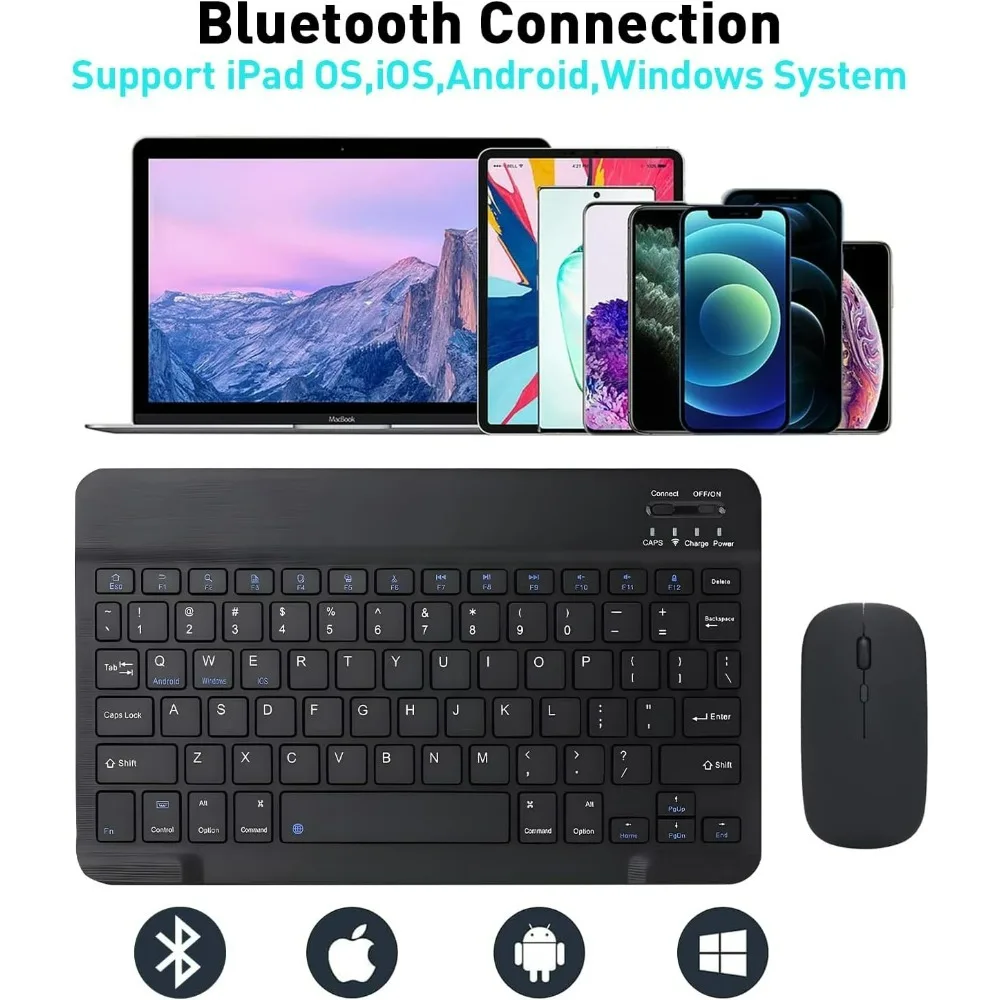
Excellent Compatibility
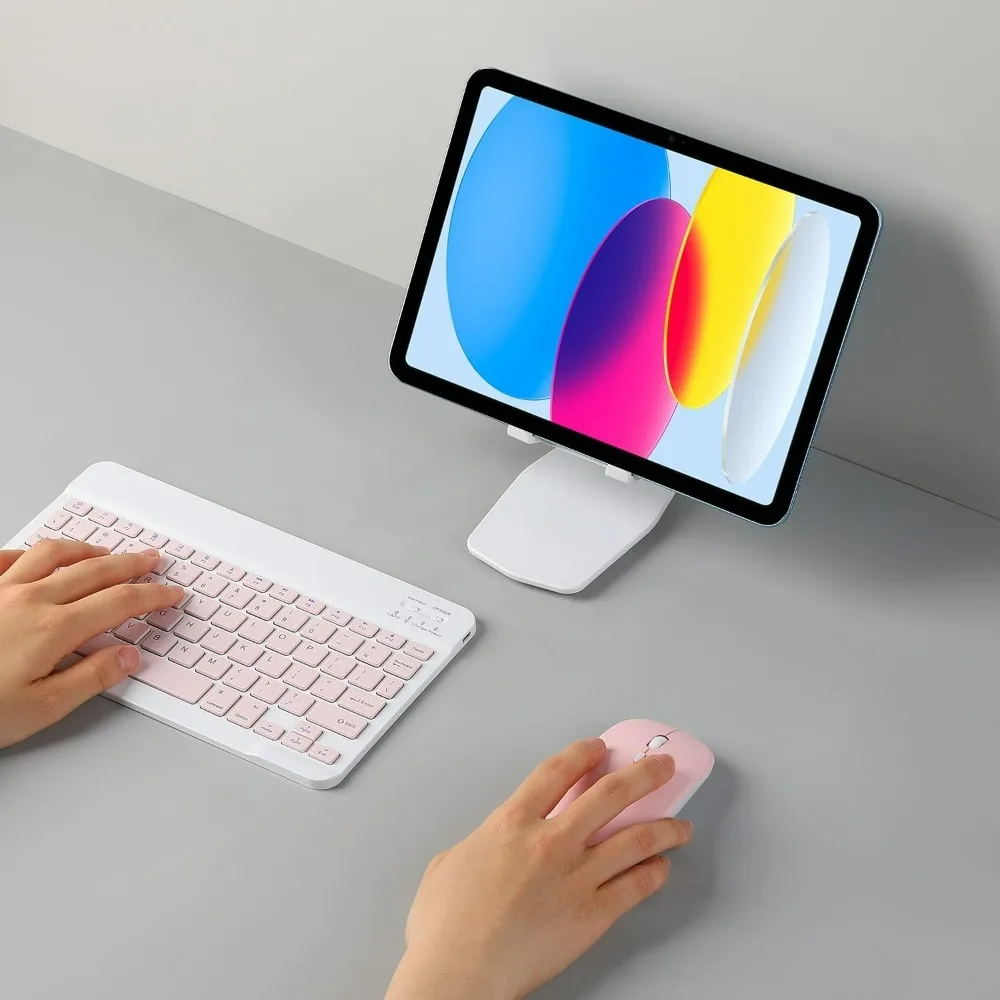
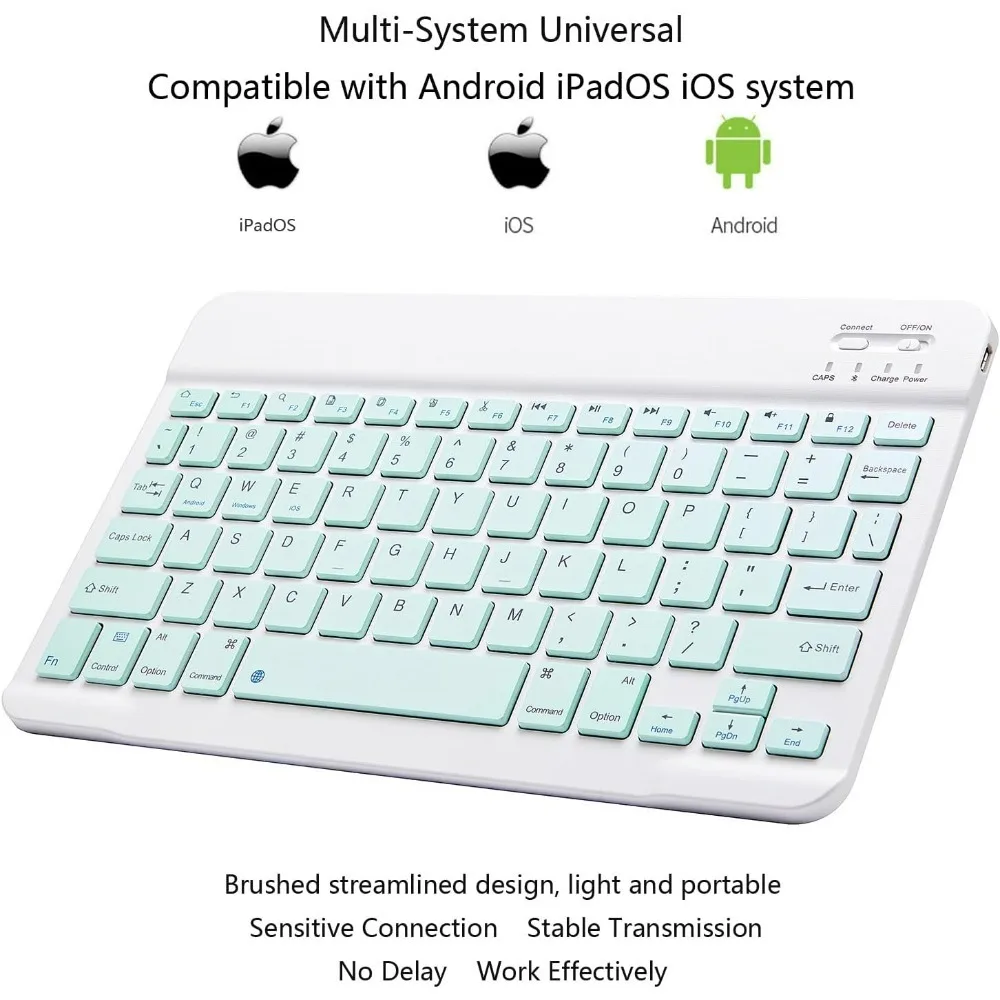
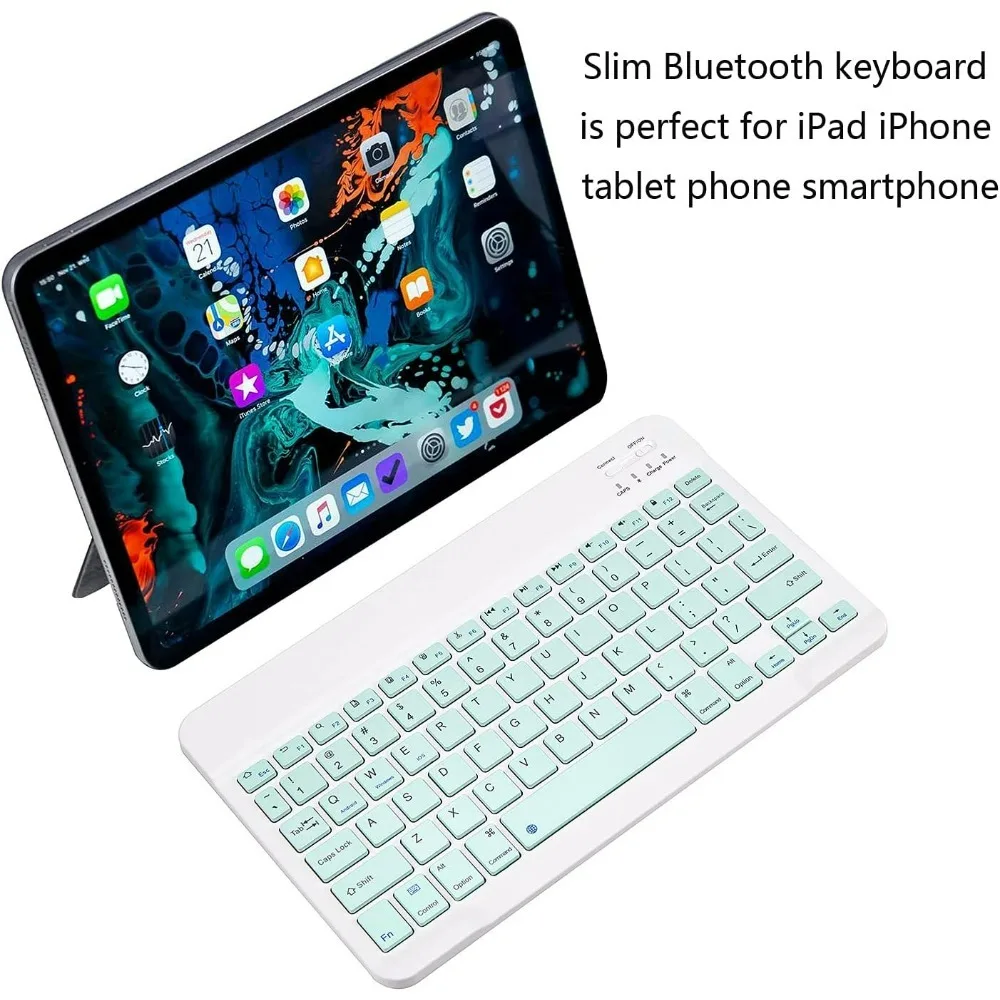
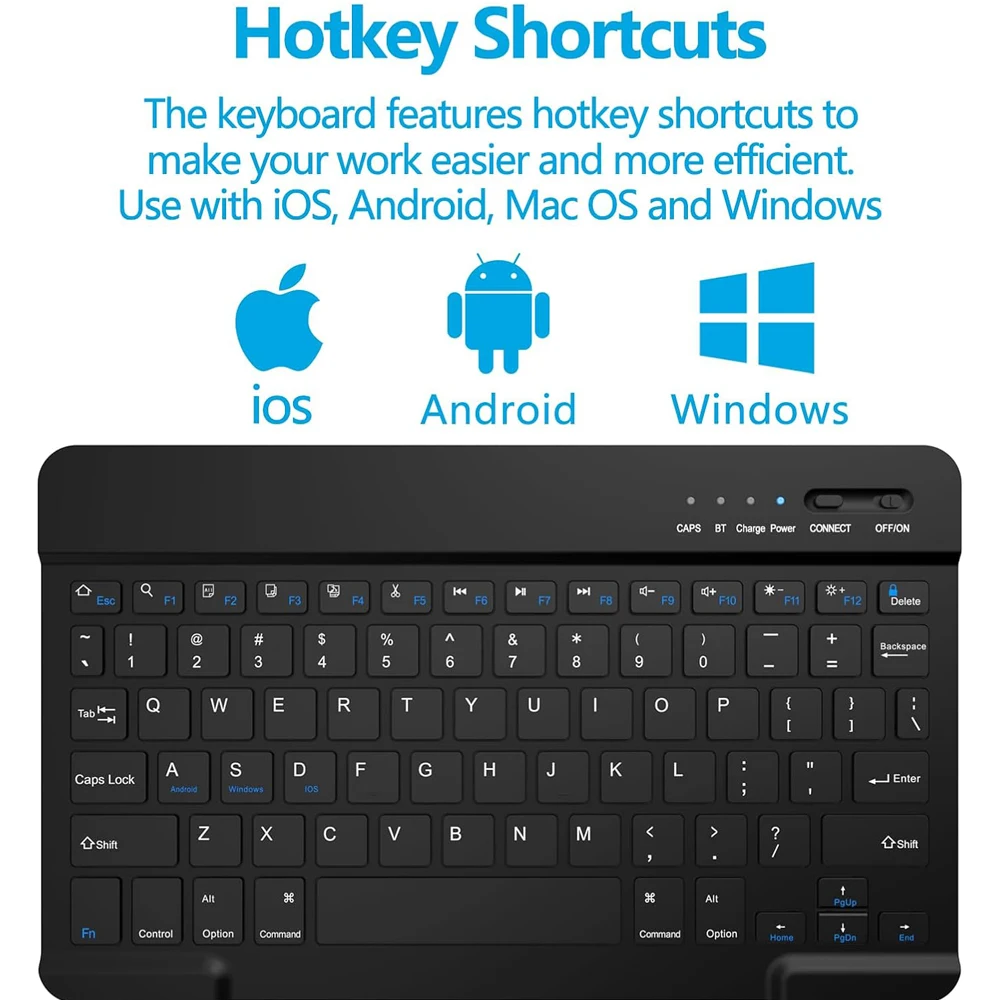
The Bluetooth keyboard compatible with iOS, Android and iPad OS system. It is perfect for Apple iPhone, iPad, iPad Mini, iPad Pro, iPad Air, Android Samsung LG tablet smartphone cell phone.
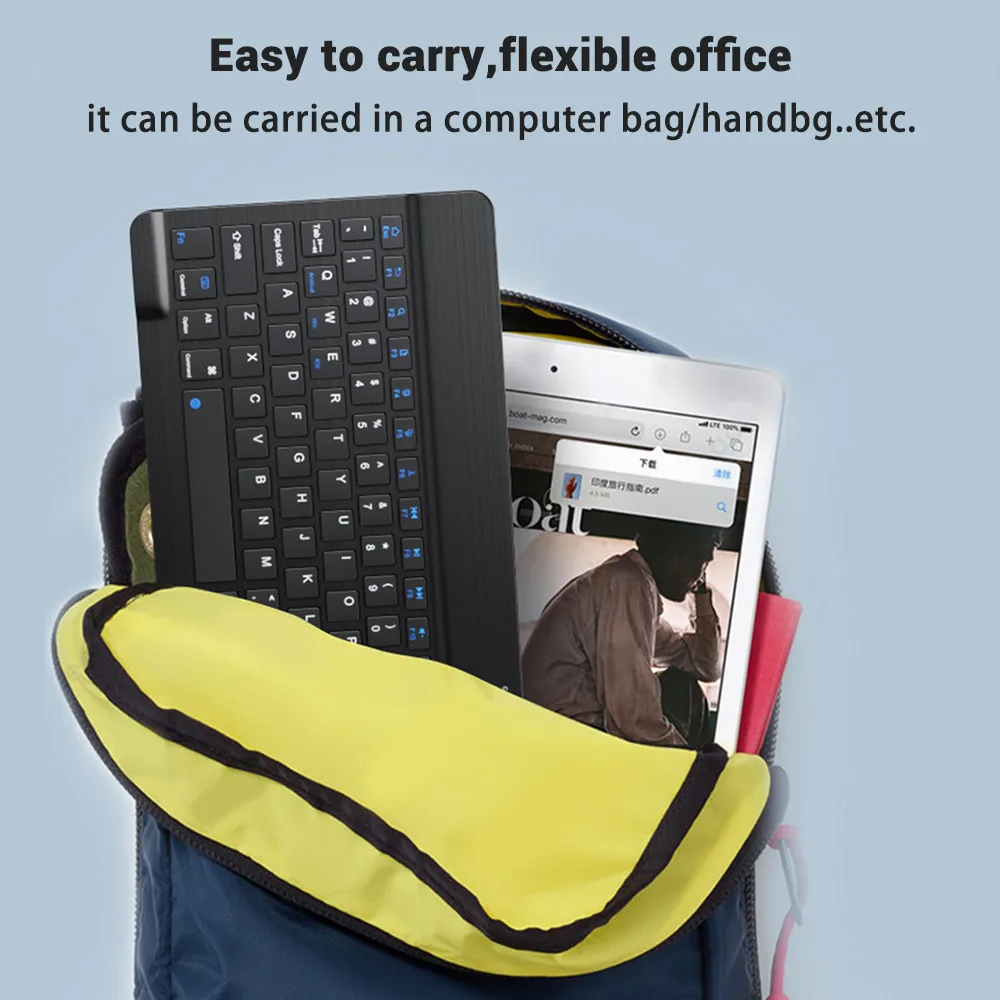
Light portable and compact
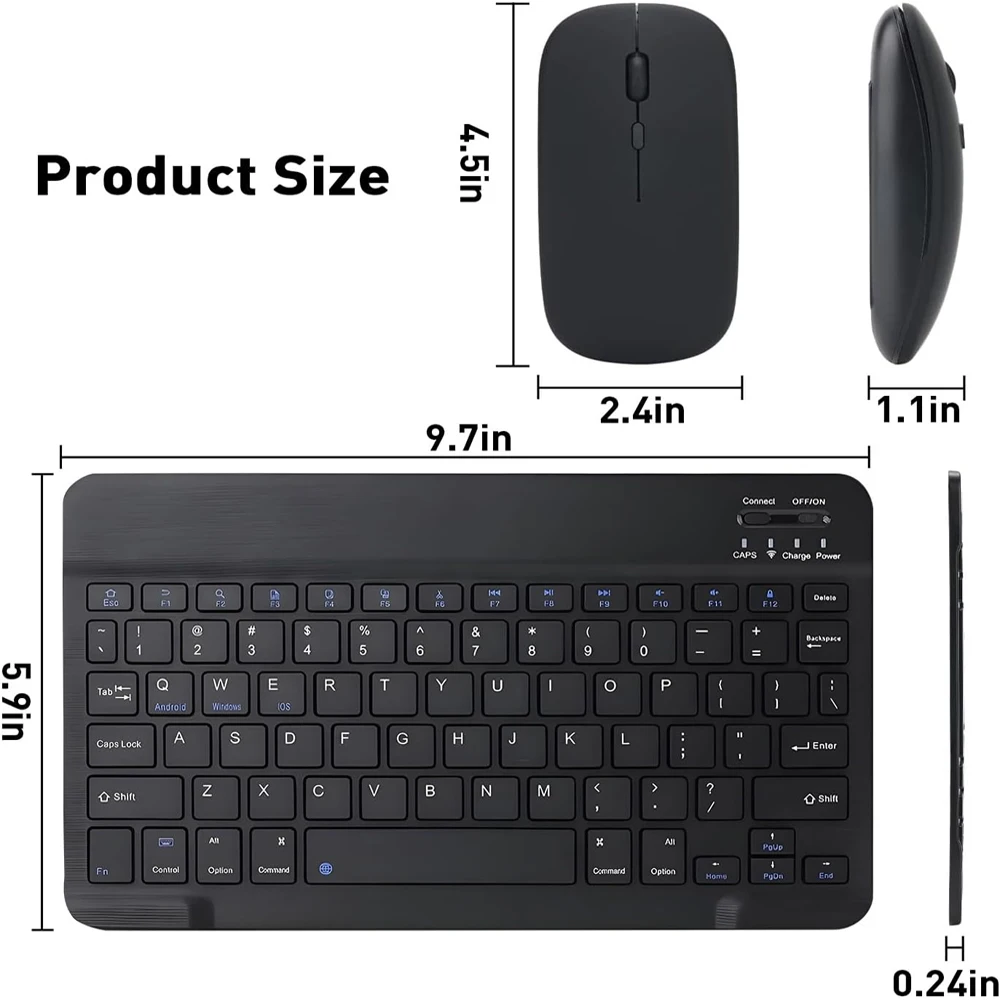
This keyboard is much lighter, smaller than traditional keyboard. You can easily carry it without taking up more space on your desk or bag. 10 inch keyboard dimensions: 25 x 15 x 0.6 cm,【Size: 9.84 x 5.9 x 0.24 inch】
Long-term use
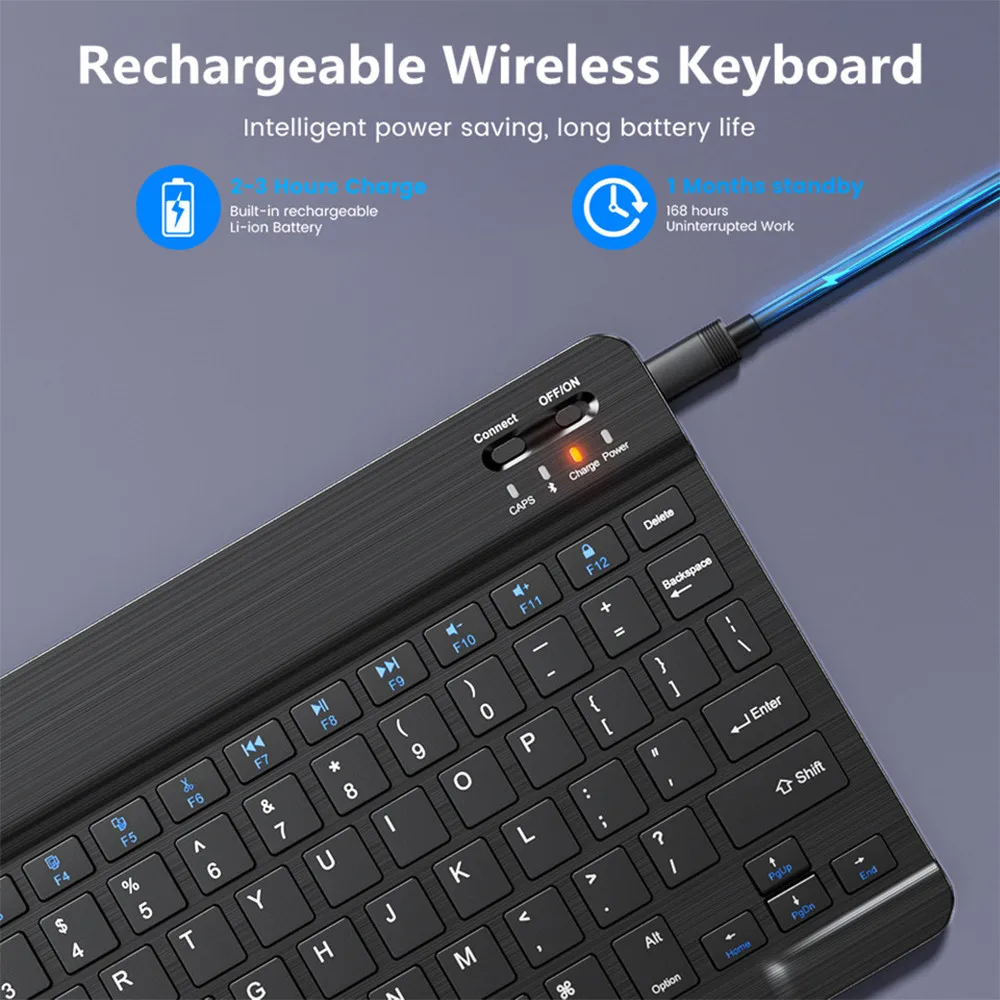
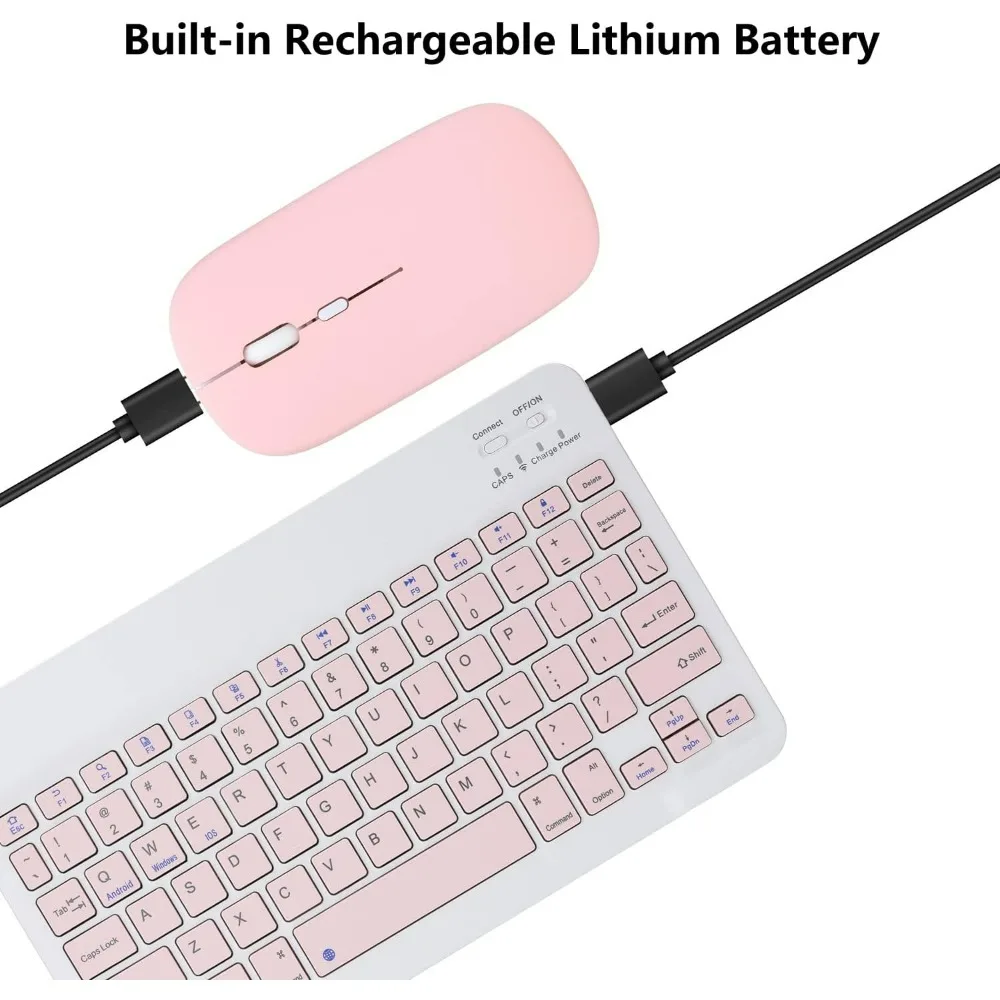
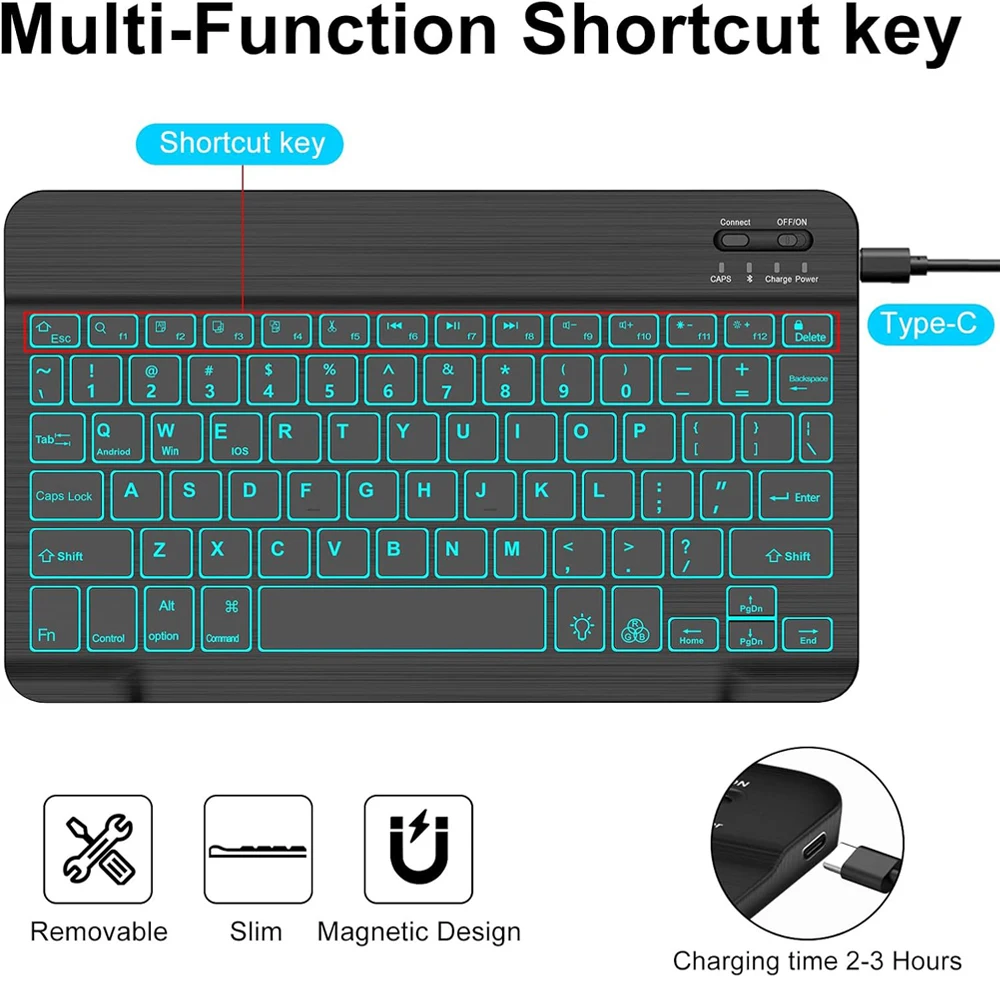
Built-in rechargeable lithium battery, after fully charged, it can be used for more than 20 days (When used continuously for 2 hours a day). If you don't use it for more than 10 minutes, the keyboard will automatically enter the sleep state to save power. If you want to continue to use it, just click any key to wake up the keyboard.
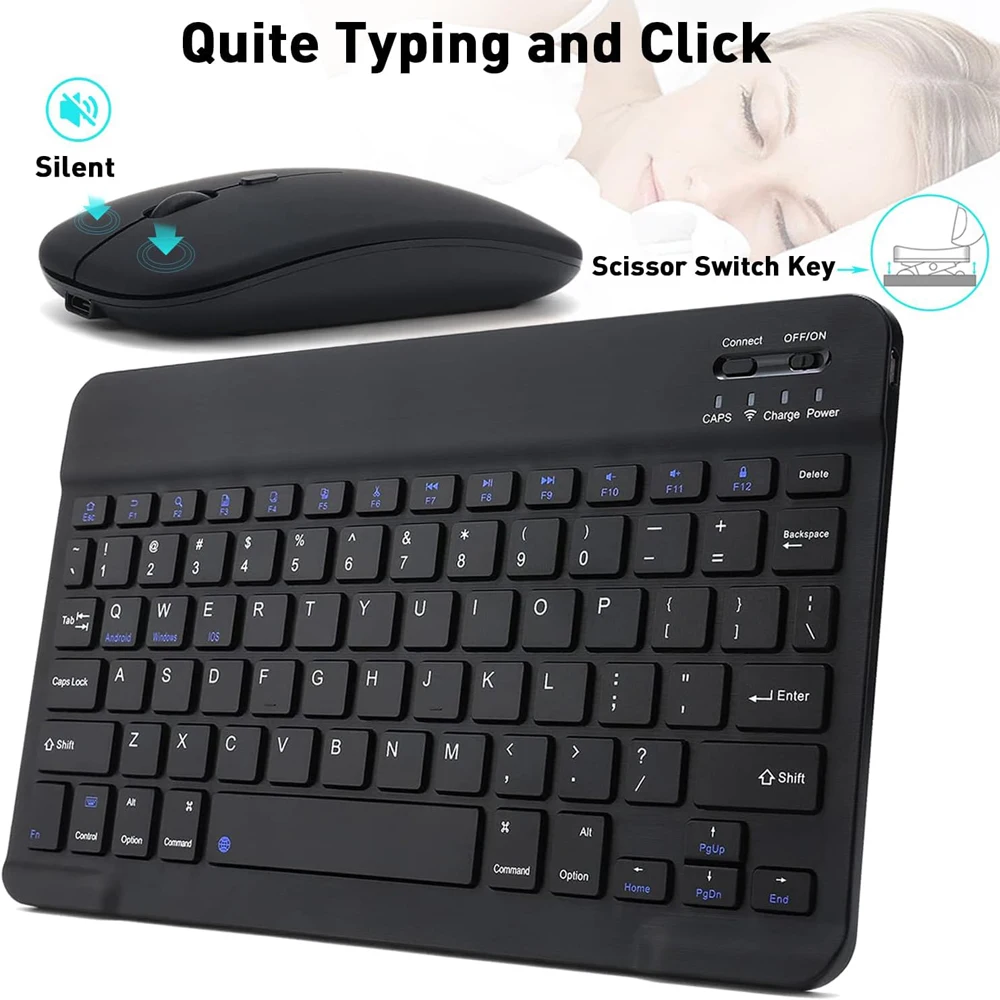
Comfortable Bluetooth Keyboard
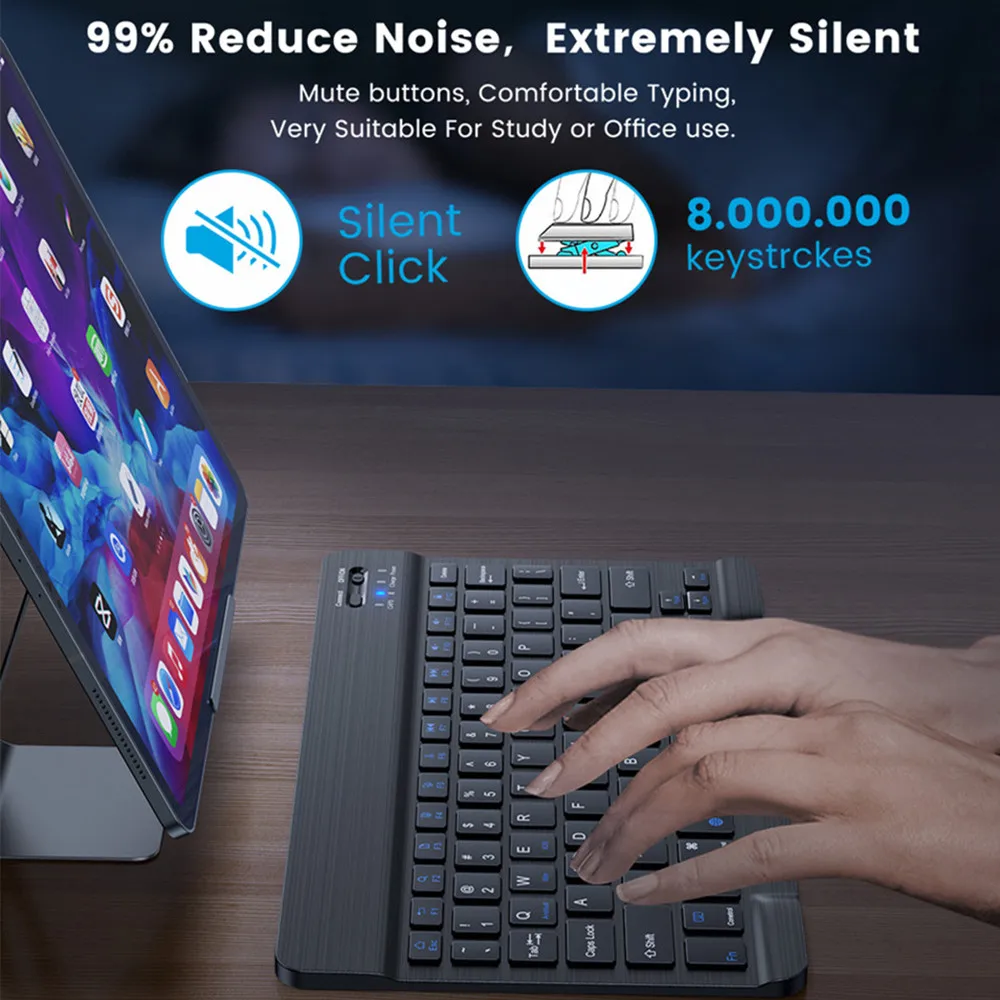
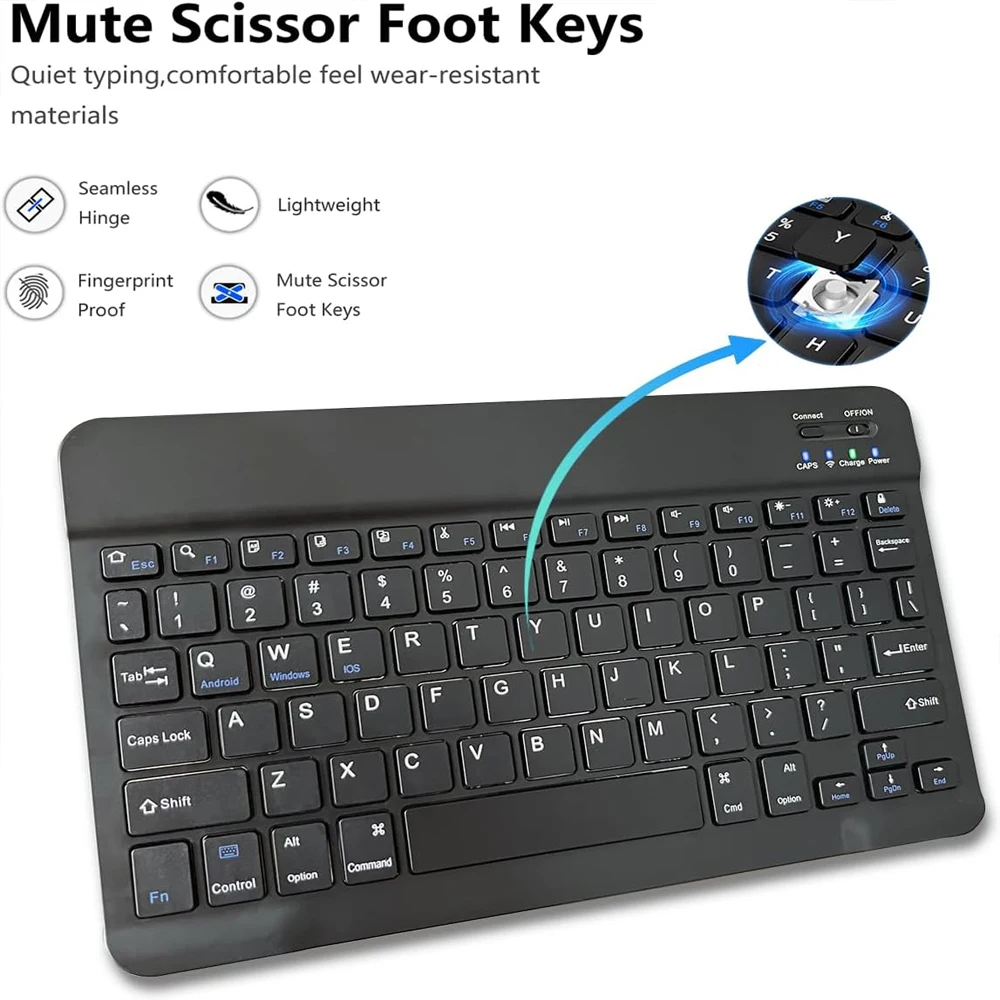
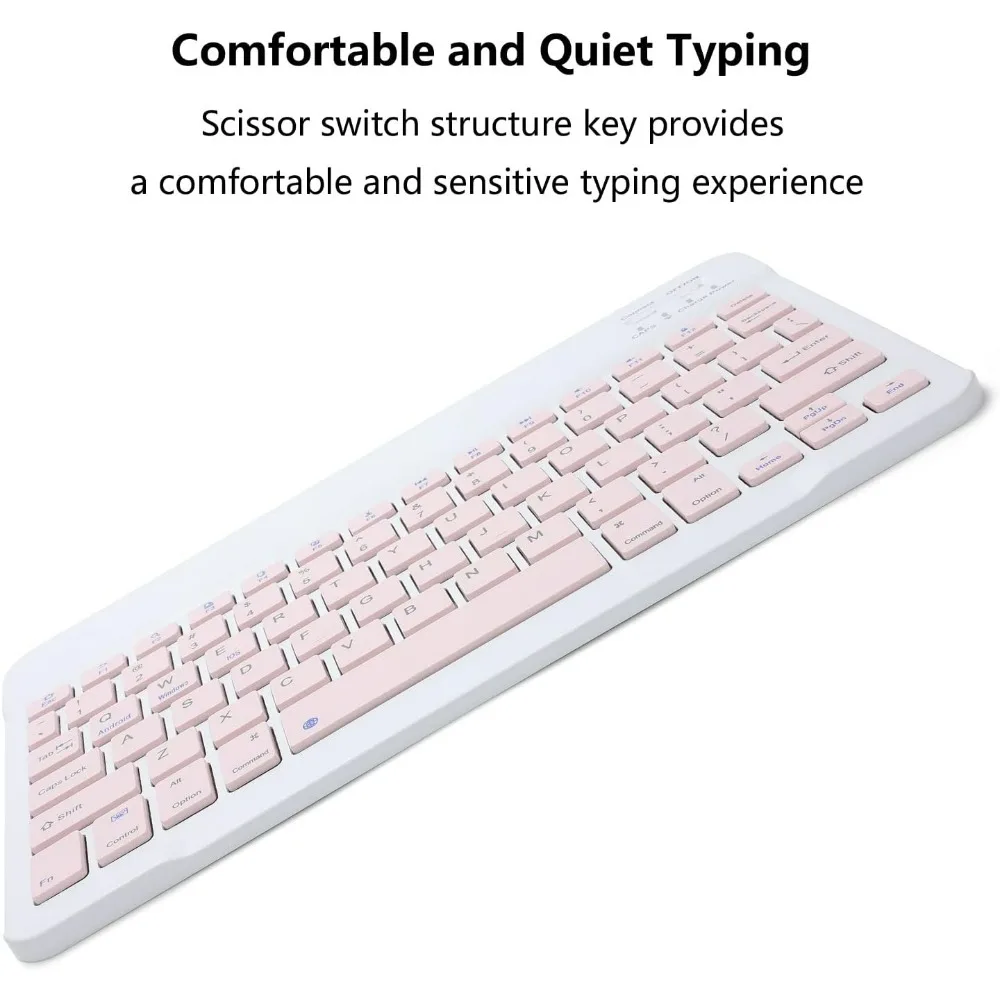
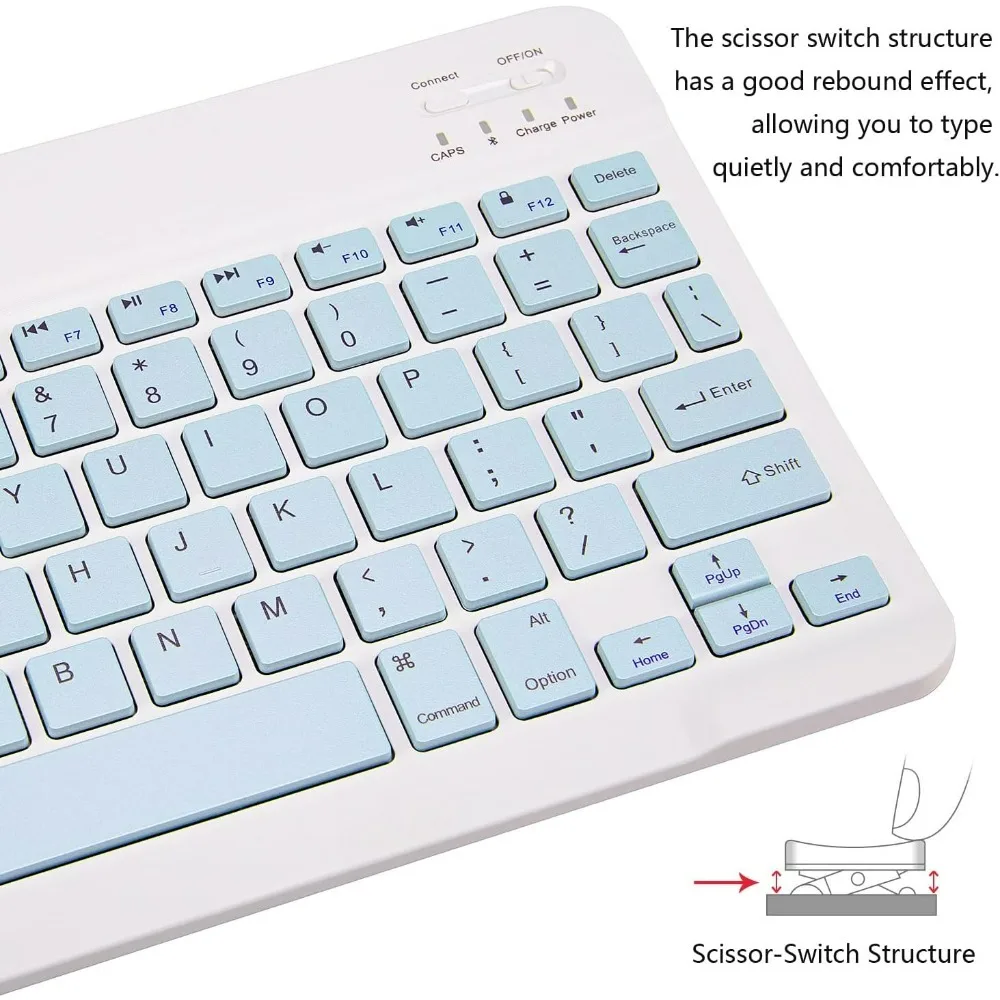
The keys of the keyboard are scissor structure, square chocolate keycap design. Use this keyboard, you can type quietly on your tablet, iPad, iPhone, smartphone and provide you with a comfortable and pleasant typing experience.
Bluetooth Connection
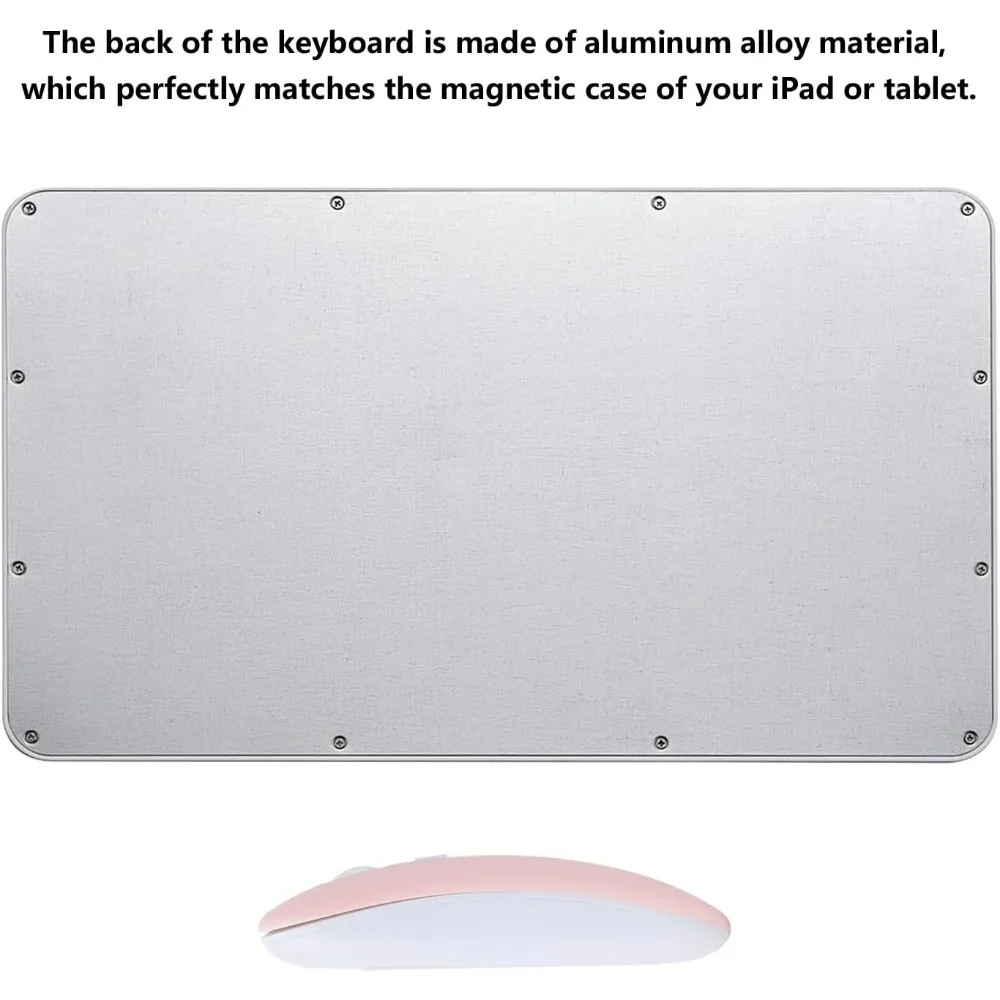
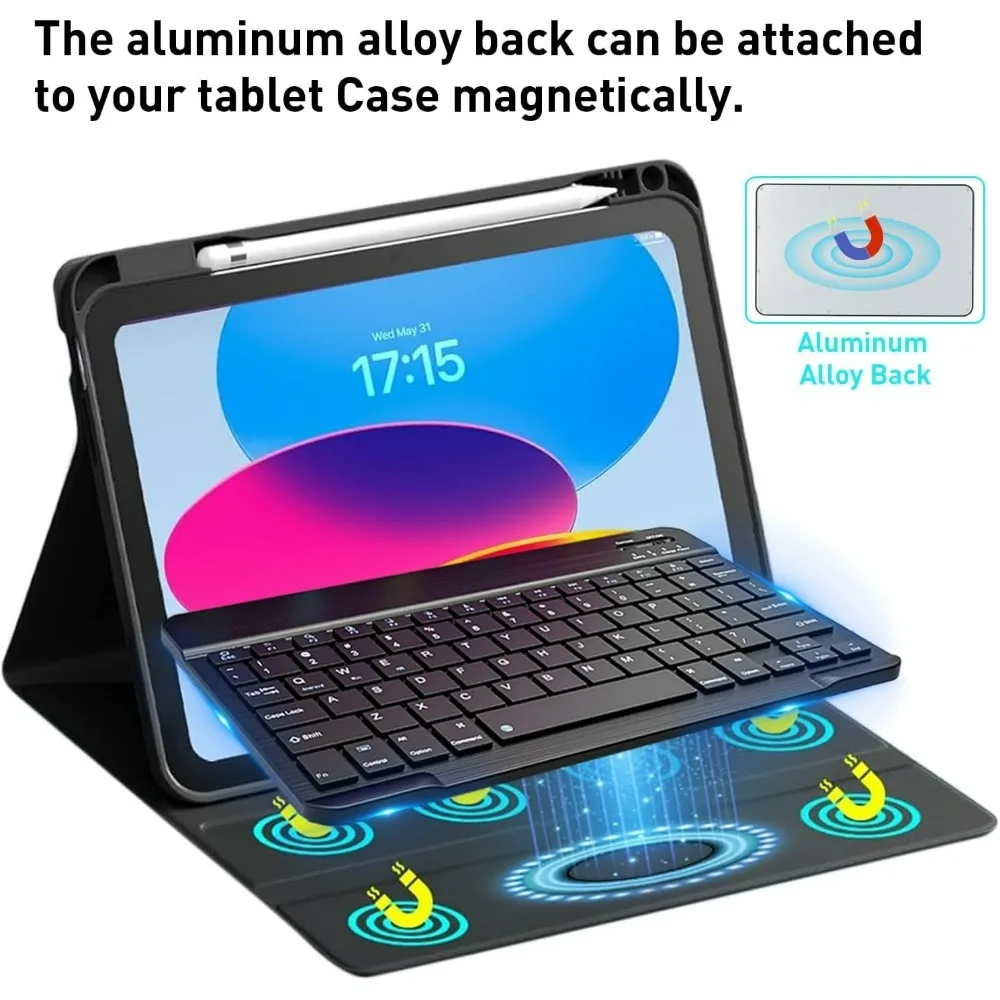
The keyboard adopts stable Bluetooth technology, the working distance is up to 10m. The back is ultra-thin and smooth aluminum alloy design.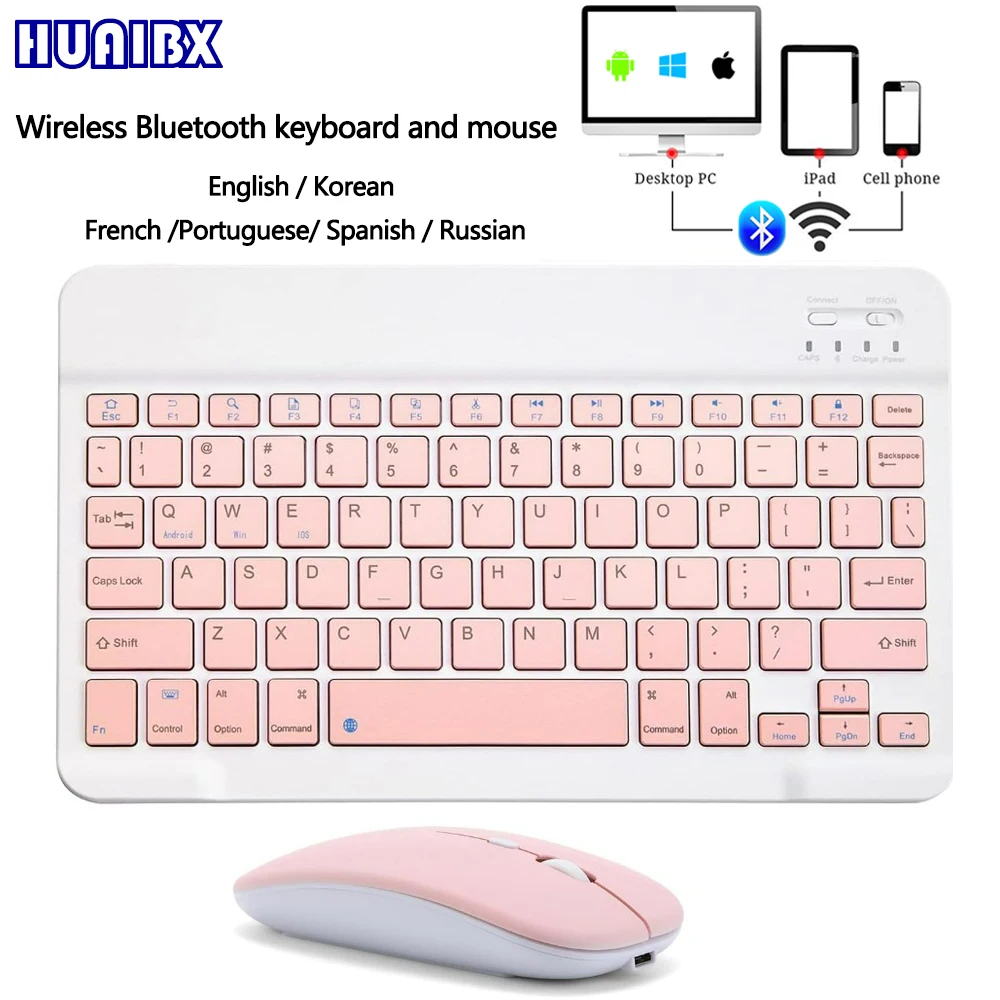
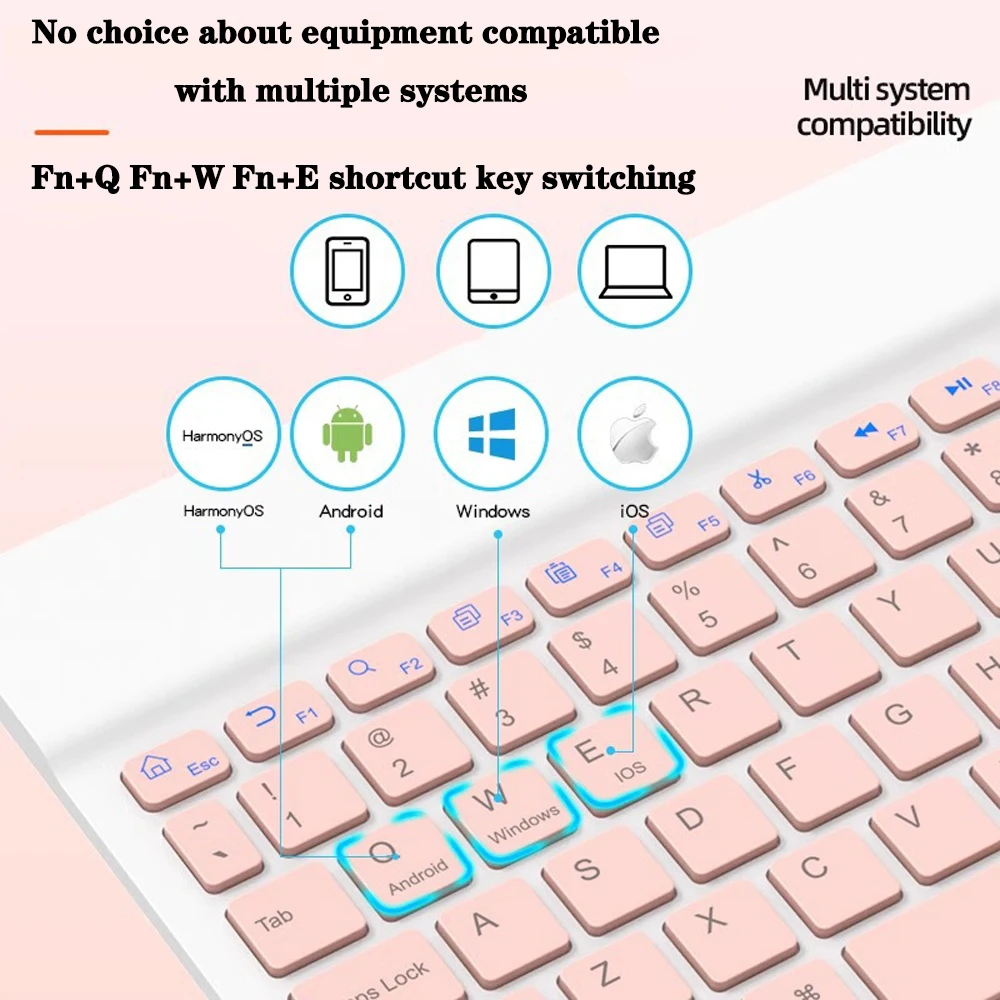
 How to switch the system
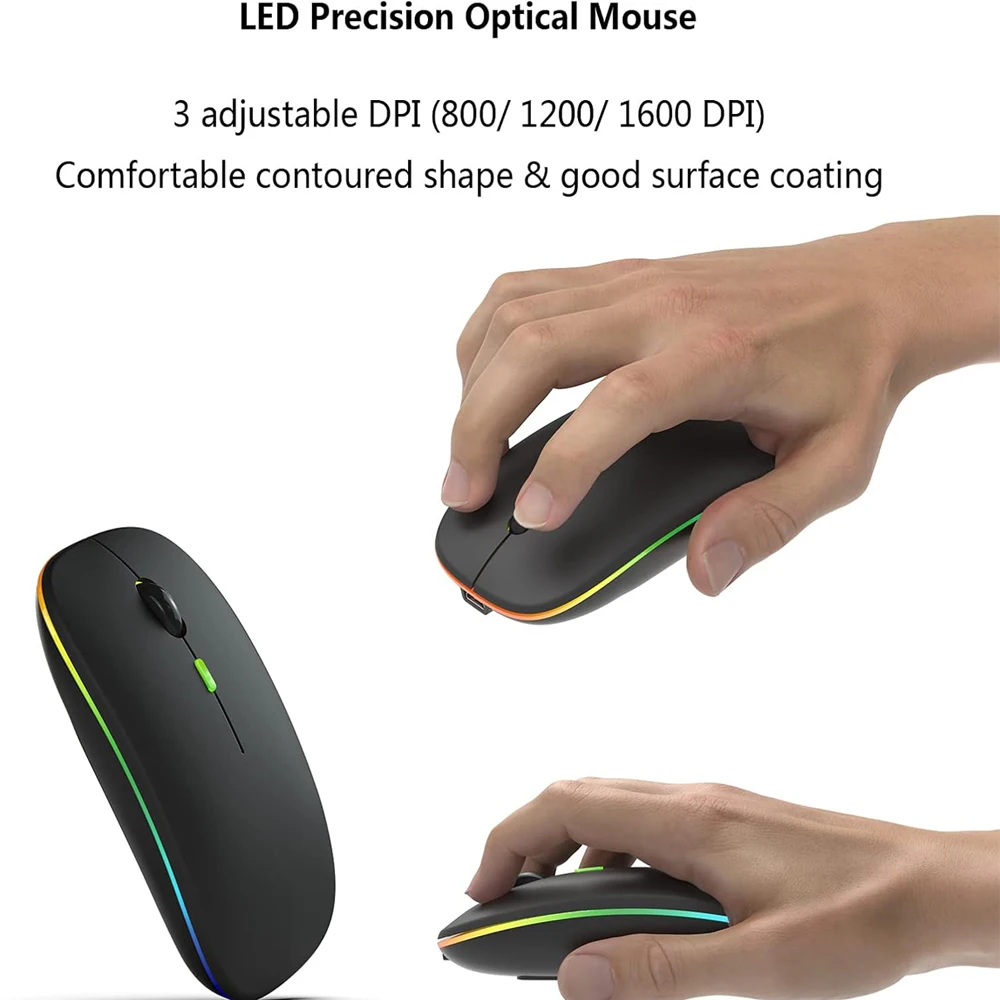
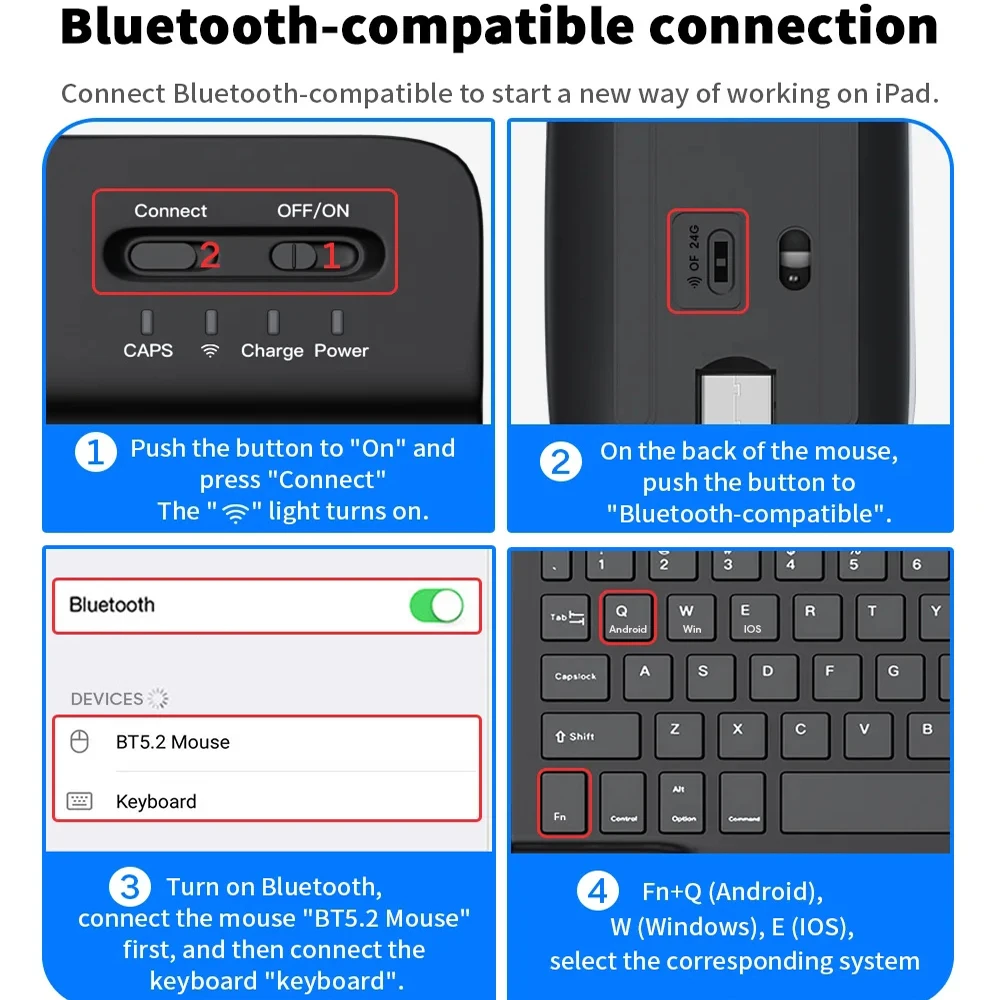
 How to connect keyboard and mouse?
1. Connect the mouse first, then the keyboard.
2. Mouse: Push the switch to the "Bluetooth" icon and find the Bluetooth connection with the "mouse" in the device Bluetooth list.
3. Keyboard: Push the switch in the upper right corner to "ON", press "Connect", and find the Bluetooth connection with "Keyboard" in the device Bluetooth list.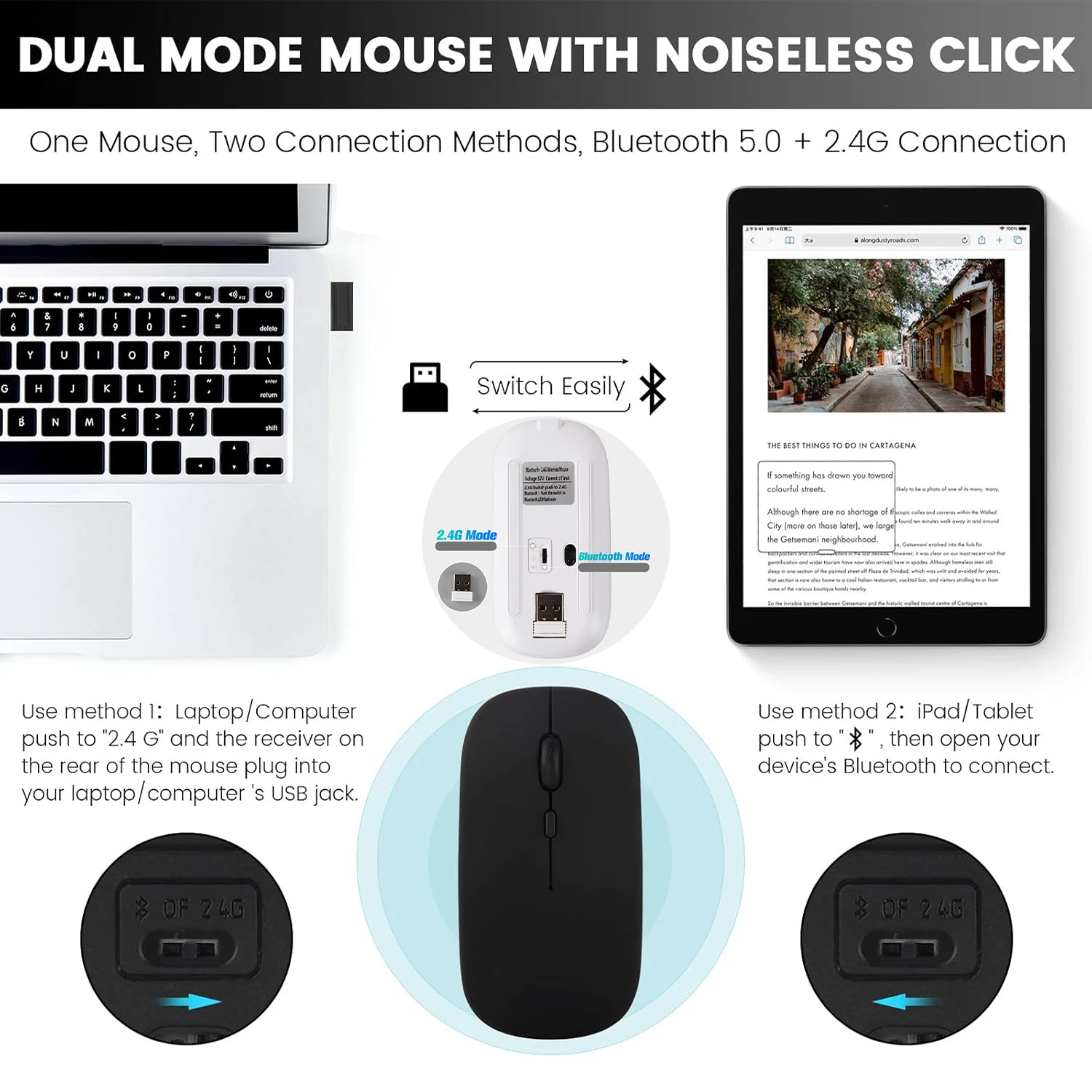
 FAQ
FAQ
Q:What should I pay attention to when connecting the mouse for the first time?
A:When the mouse is connected for the first time, you need to press the left button, the right button and the scroll wheel at the same time for about 3-5 seconds.
Q: Is the scroll direction of the mouse USB connector and Bluetooth connection the same?
A: No, they are different. When using the USB connector, the scroll wheel slides in the same direction as the computer mouse. Bluetooth connection is the opposite.
Q: How to switch between different systems?
A: Fn+Q=Android, Fn+W=Windows, Fn+E=IOS.
Please note that please switch the system before connecting the tablet.
Q:The bluetooth keyboard letters are messy?
A: Please check the settings according to the prompts,
a. Check whether the keyboard language set on the device is English.
b. Disconnect the keyboard Bluetooth, click Ignore the connected device, reopen the Bluetooth keyboard, select system, Fn+E (IOS system).
Note: Fn+Q=Android, Fn+W=Windows, Fn+E=IOS
c. Press the L S Z buttons at the same time to reset the keyboard
Q:How to configure the input method for different languages keyboard?
A:Take the samsung tablet as example,open "Settings--"ystem"--"Language & input"--"Add New Keyboard". (For other systems, please set them in the system settings according to the tips of the iPad example.)
Q:How does the mouse change teh scroll wheel sliding direction on the device?
A: The mouse is connected, open "General" - "Trackpad & Mouse" - close "Natural Scrolling".