KEPHE Wireless Phone Charging Pad with LED Indicator
KEPHE Wireless Phone Charging Pad with LED Indicator
Couldn't load pickup availability
Secure checkout
🚚 Shipping Policy
🚚 Shipping Policy
Free U.S. shipping on orders over $50.
We offer quick and dependable shipping. Orders arrive within 7–12 business days, complete with tracking updates.
↩️ Money back Guarantee
↩️ Money back Guarantee
Shop with confidence — enjoy easy, hassle-free returns within 30 days. Your satisfaction is our priority.
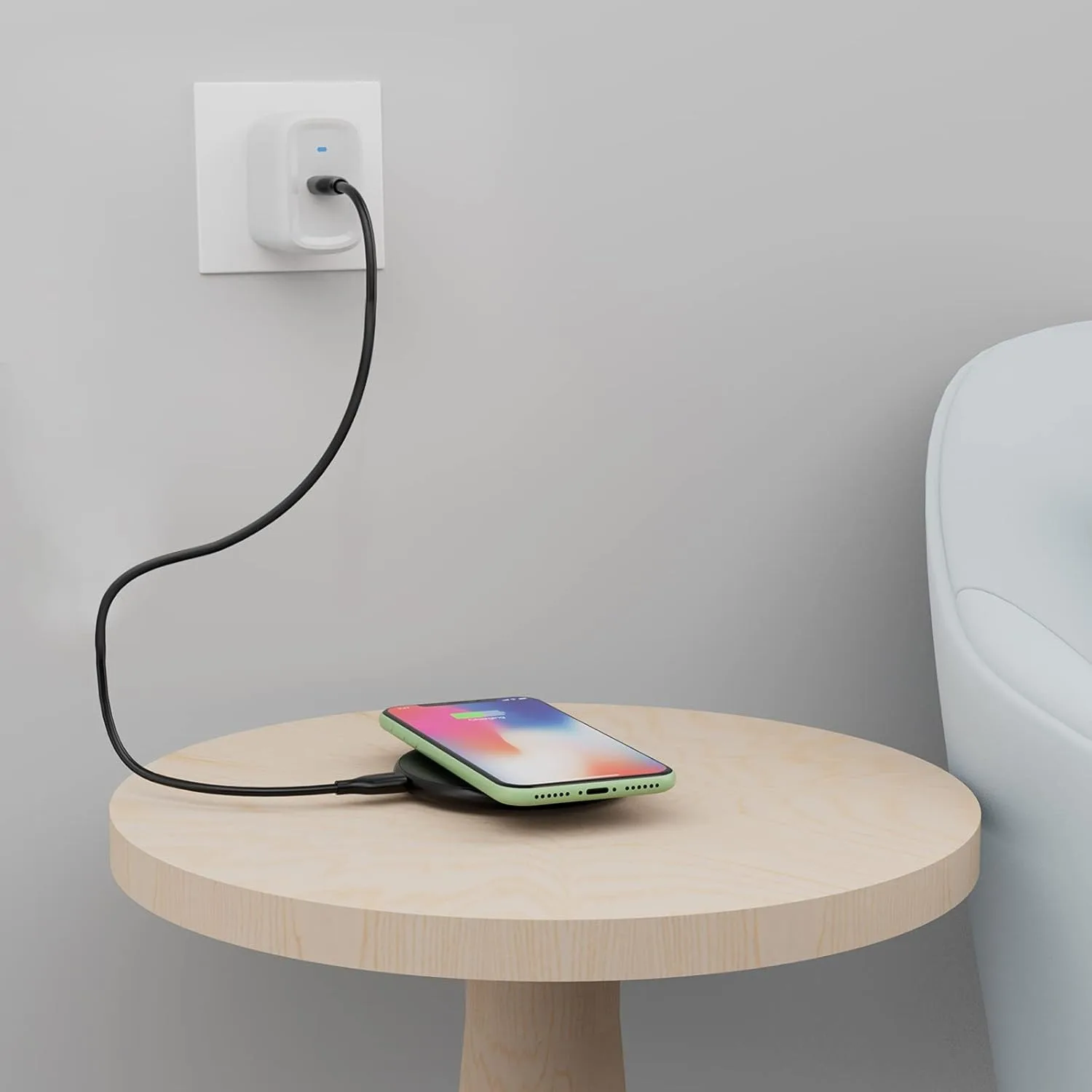
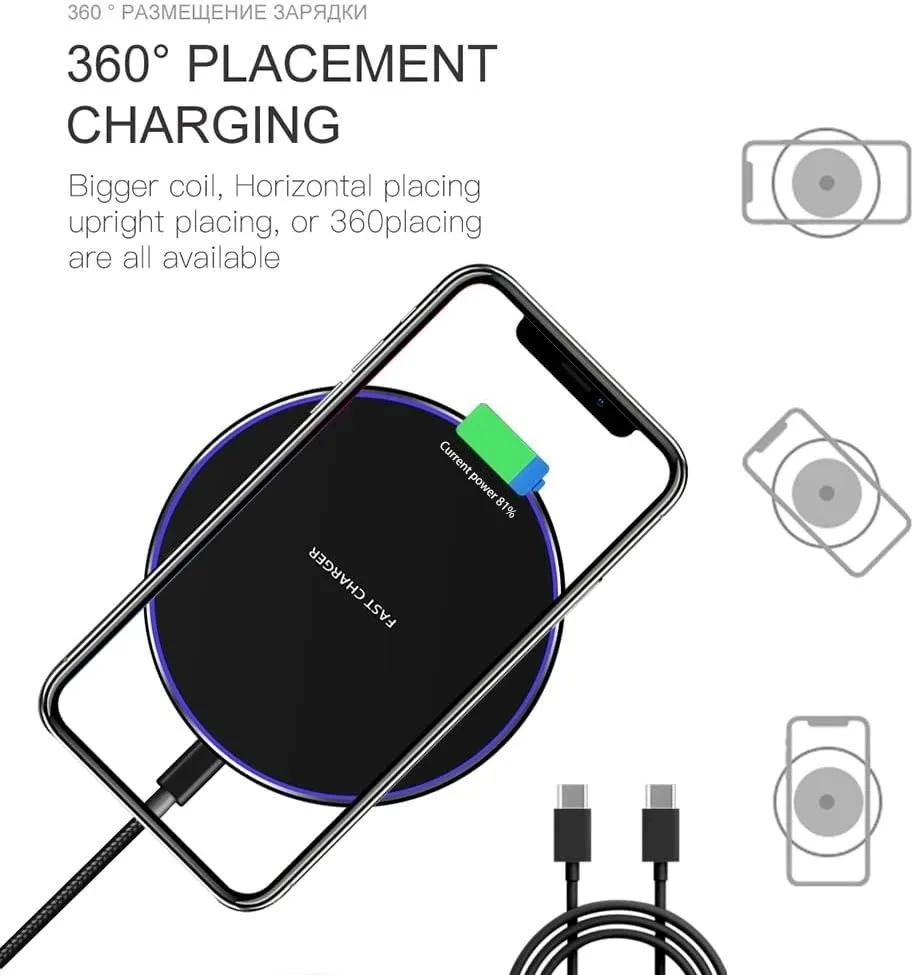
Make a place for everyday phone charging with the KEPHE wireless charging pad. Connect the pad to a suitable power source, remove your phone case and attached accessories as directed, then position a compatible wireless-charging phone on the pad. A listed LED indicator helps you check the pad's status without plugging a cable directly into your phone.
Key Benefits
- Wireless Phone Charging: Charge a compatible phone by placing it on the powered pad.
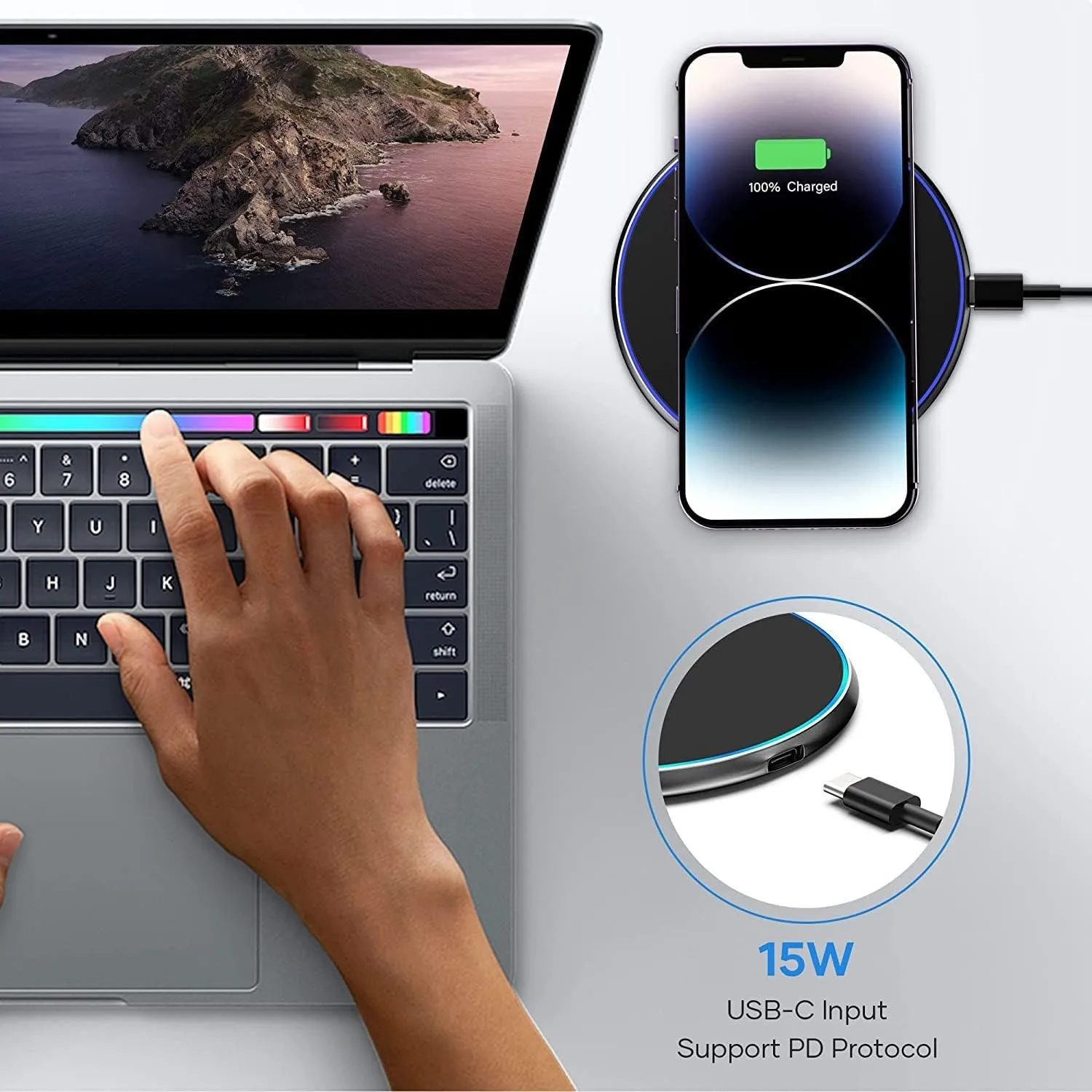
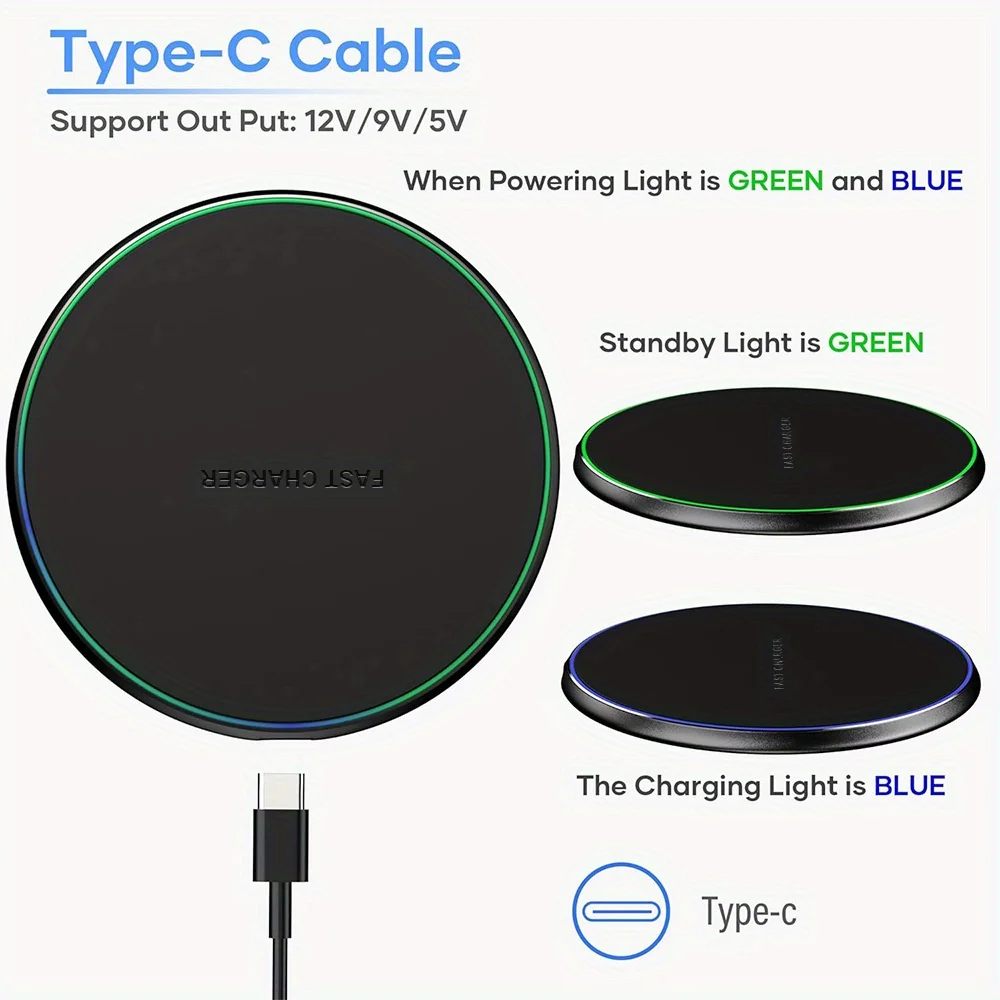
- LED Indicator: A charging indicator and LED light are listed for checking operation.
- Type-C Connection: A Type-C connector is specified for the charging pad.
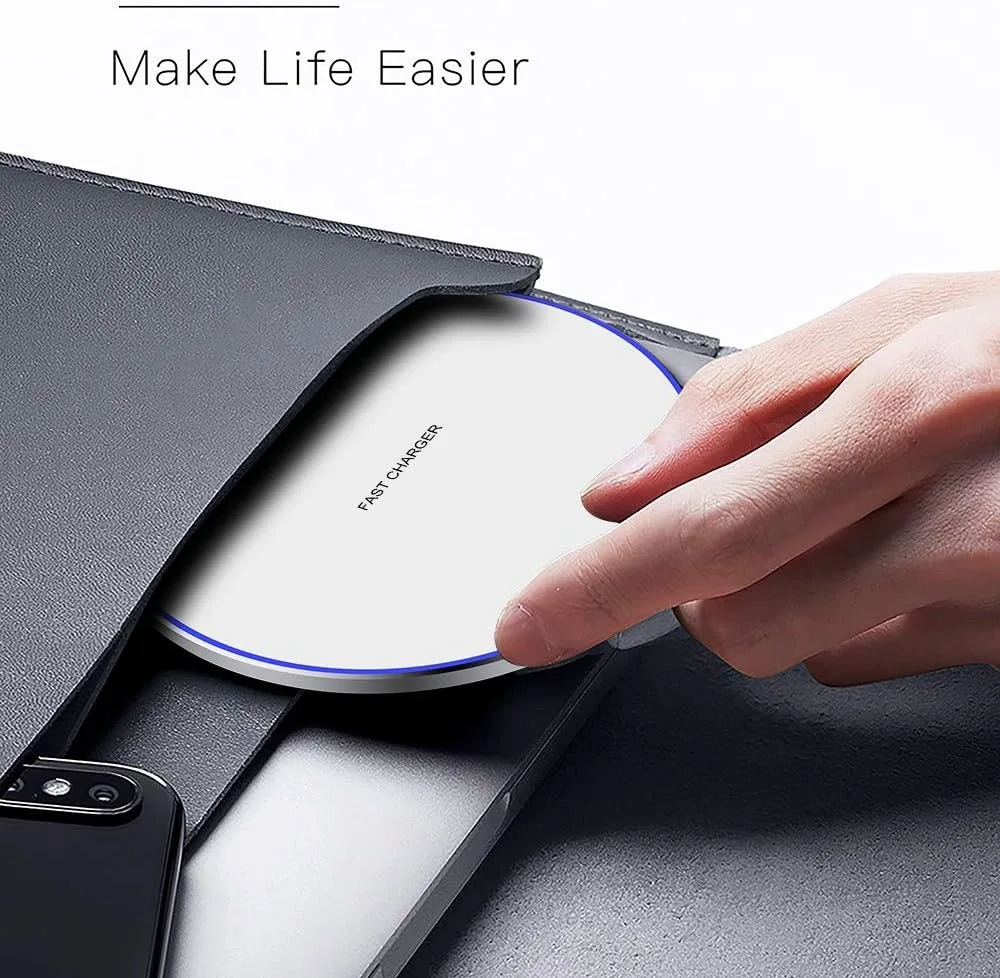
- Simple Charging Routine: Keep the pad connected in your preferred charging spot and follow the placement instructions for your phone.
Specifications
- Brand: KEPHE.
- Product Type: Wireless phone charging pad.
- Color: Black.
- Connector: Type-C.
- Listed Features: Charging indicator and LED light.
- Device Requirement: A phone with compatible wireless-charging support; exact model compatibility must be confirmed.
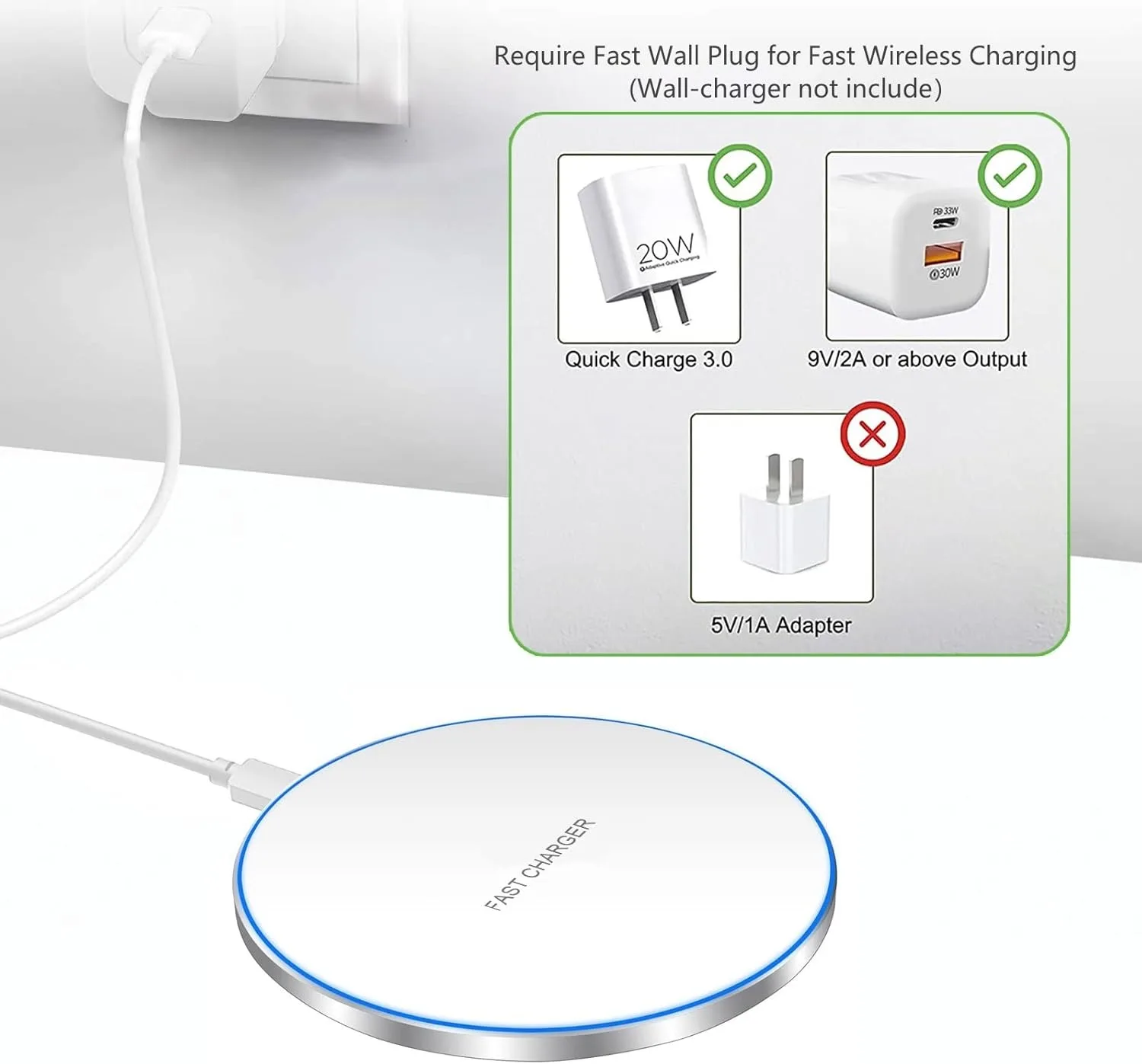
- Adapter Guidance: The troubleshooting notes recommend a suitable adapter rated 18W or higher. This is not a confirmed wireless output rating.
How to Use
- Confirm that your exact phone model supports wireless charging and is compatible with the pad.
- Connect the pad with a suitable cable and power adapter, following the product's input requirements.
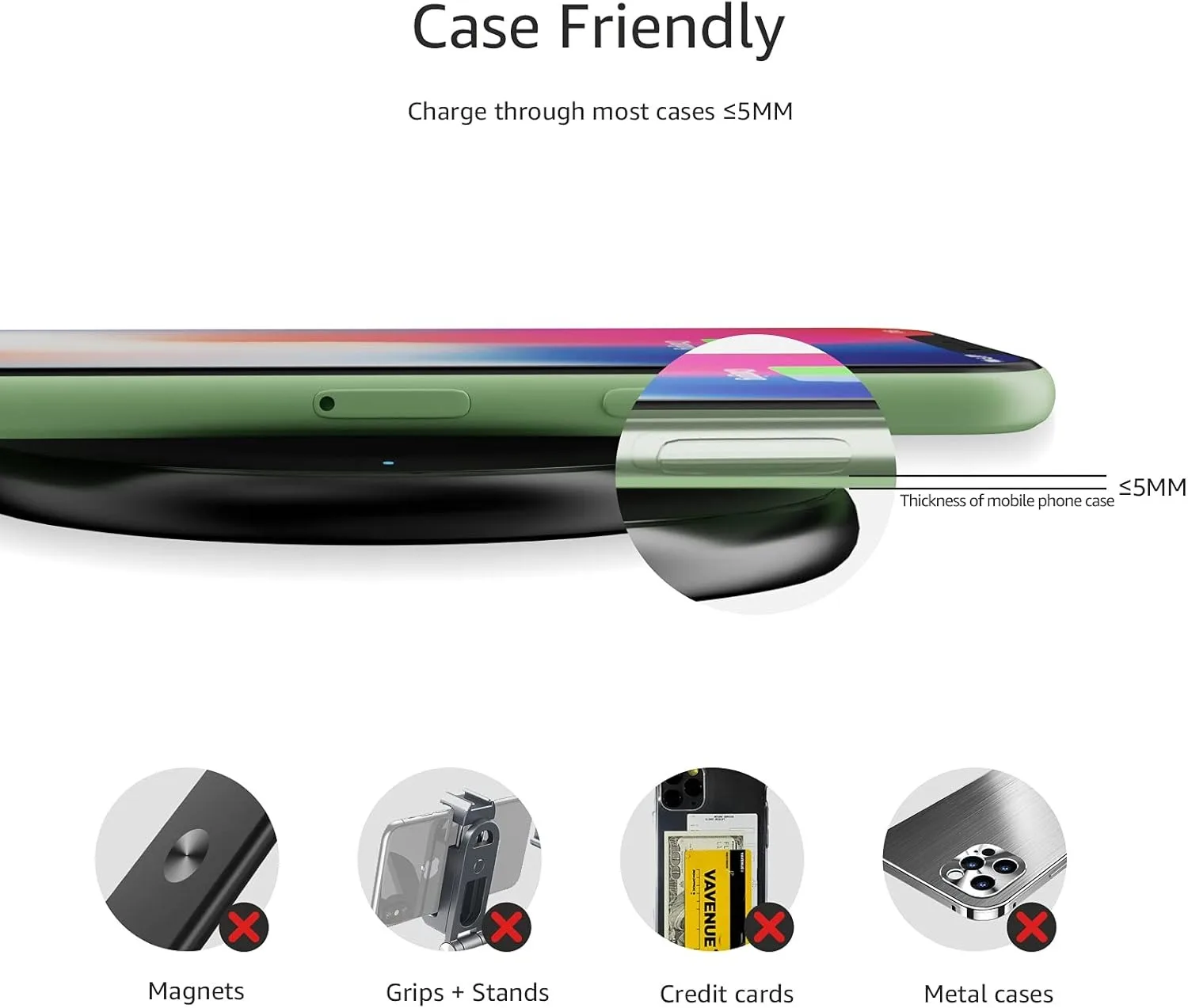
- Remove the phone case and attached accessories as directed in the supplied notes, then position the phone on the pad.
- If the LED flashes, recheck that the case and accessories have been removed and that the phone is positioned properly.
- If the LED does not illuminate, the supplied troubleshooting notes recommend trying a suitable replacement cable and an adapter rated 18W or higher. Confirm the required input profile before use.
What’s Included
- One wireless charger.
- One charging cable is listed in the package description, but another field says no cable; cable inclusion requires confirmation.
Helpful Notes
- Power claims conflict: the original title states 100W, while a specification field states 200W. Neither figure is presented as confirmed wireless charging output.
- The source compatibility list uses broad brand and “newer model” statements. Those statements do not establish compatibility with every phone in a product family; confirm your exact model before ordering.
- A Type-C connector on a phone does not by itself establish wireless-charging support.
- The original instructions call for removing the case and attached accessories before use. Charging through a case is not promised.
- A wall adapter is not listed in the package contents. Exact input voltage, supported charging protocols, charging speed and magnetic alignment are not established.
FAQ
Will it work with any phone?
No universal compatibility is established. Your exact phone must support compatible wireless charging; check the model before purchase.
Does it provide 100W or 200W wireless charging?
The original title and specification field conflict. A reliable wireless output rating is not established, so neither wattage is promised.
Should I remove my phone case?
Yes. The supplied instructions say to remove the case and attached accessories before use.
Is a charging cable included?
The package list includes a cable, but a separate field says no cable. Inclusion needs confirmation.
Is a wall adapter included?
A wall adapter is not listed in the package contents. The troubleshooting notes recommend a suitable adapter rated 18W or higher, but do not specify its required input profile.