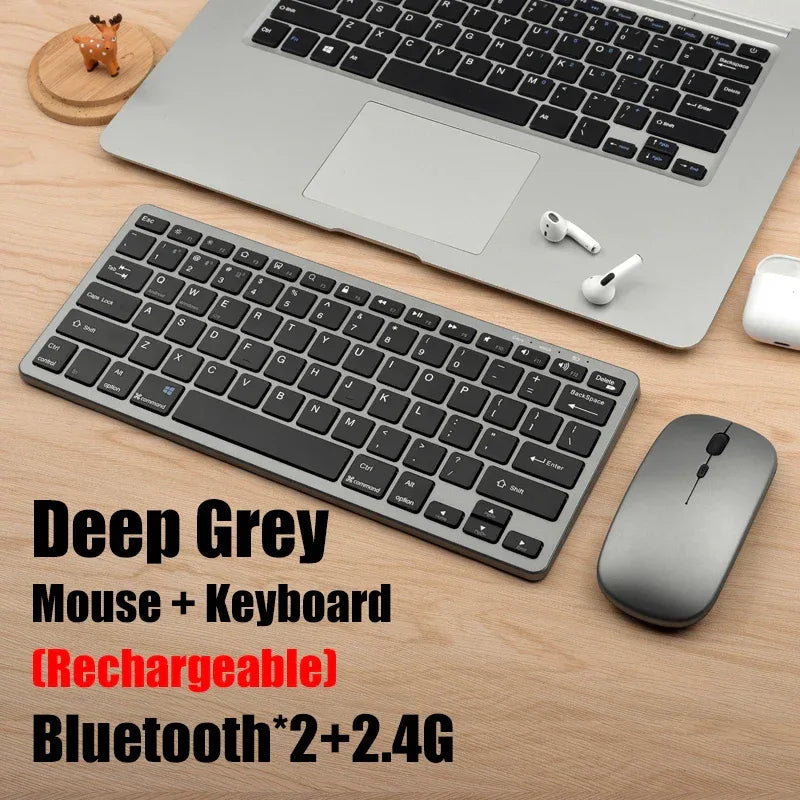
2.4G Wireless Keyboard Mouse Set Bluetooth 5.0 Keyboard Mouse Combo 2 modes Mini Keyboard Mouse For Laptop PC Accessories
2.4G Wireless Keyboard Mouse Set Bluetooth 5.0 Keyboard Mouse Combo 2 modes Mini Keyboard Mouse For Laptop PC Accessories
Couldn't load pickup availability
Secure checkout
🚚 Shipping Policy
🚚 Shipping Policy
Free U.S. shipping on orders over $50.
We offer quick and dependable shipping. Orders arrive within 7–12 business days, complete with tracking updates.
↩️ Money back Guarantee
↩️ Money back Guarantee
Shop with confidence — enjoy easy, hassle-free returns within 30 days. Your satisfaction is our priority.
SPECIFICATIONS
Application: Desktop,Laptop,Tablet
Battery Included: Yes
Brand Name: AIPHY
Certification: CE
Choice: yes
High-concerned chemical: None
Interface Type: Bluetooth / USB
Keyboard Standard: 61 Keys
Language: English
Operation Style: Capacitive
Origin: Mainland China
Package: Yes
Style: Standard,Ergonomics,Mini,For Laptop,for Tablet
Type: Bluetooth Wireless
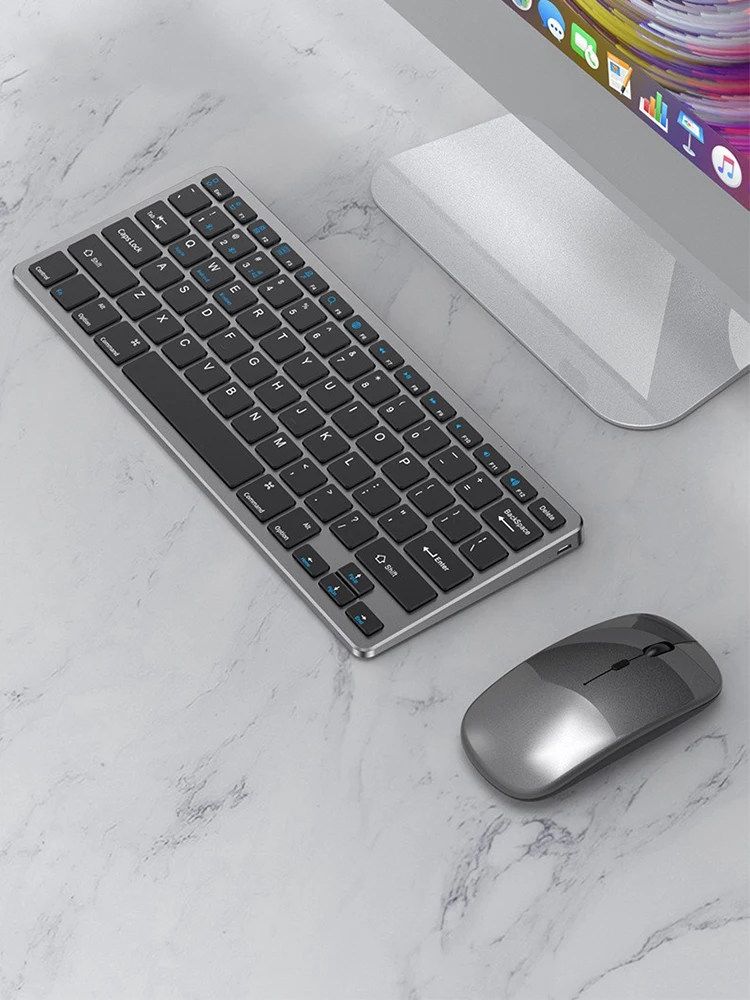
Cross device second switching
It can quickly switch back and forth in three connected devices, memoryautomatically connects back and forth, multiple jobs do not delay
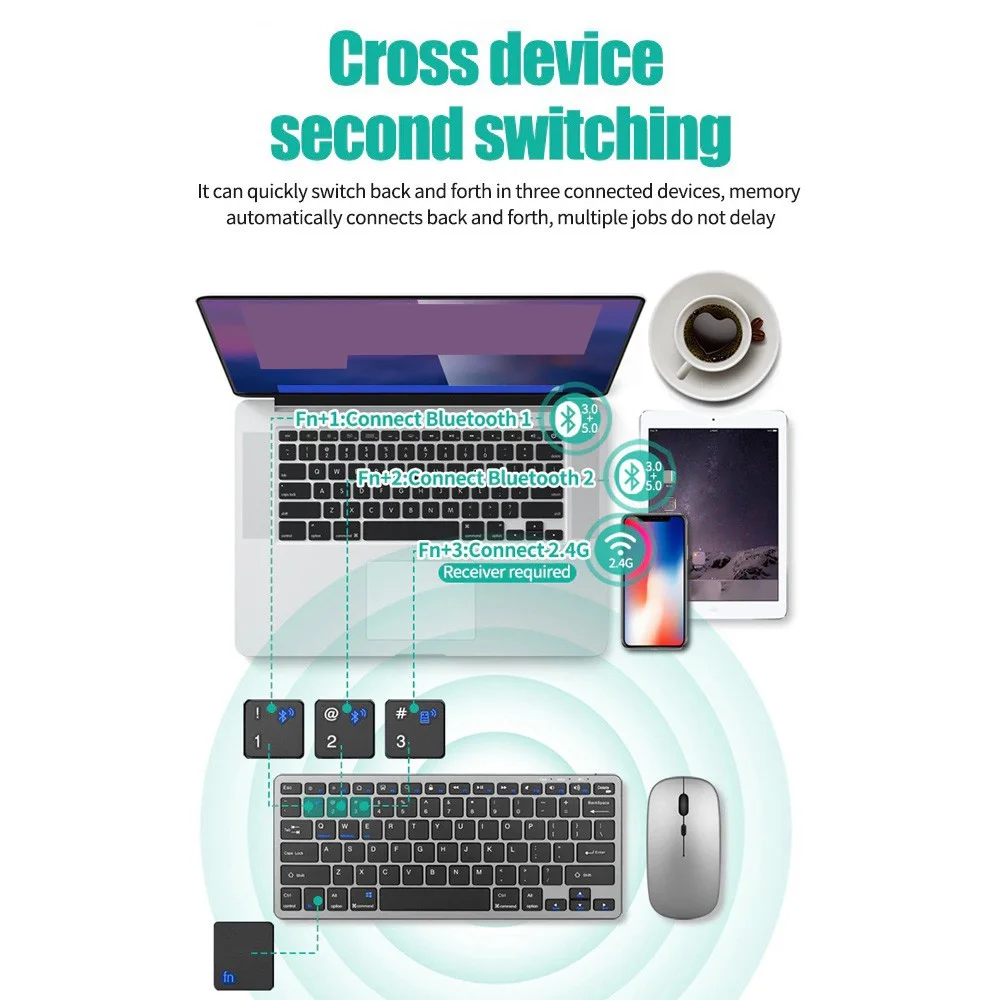
Three systems in common
Compatible with mainstream systems, switching in seconds
Support Android /Windows/MAC(IOS)traditional windows and othermainstream operating systems, switching across device seconds
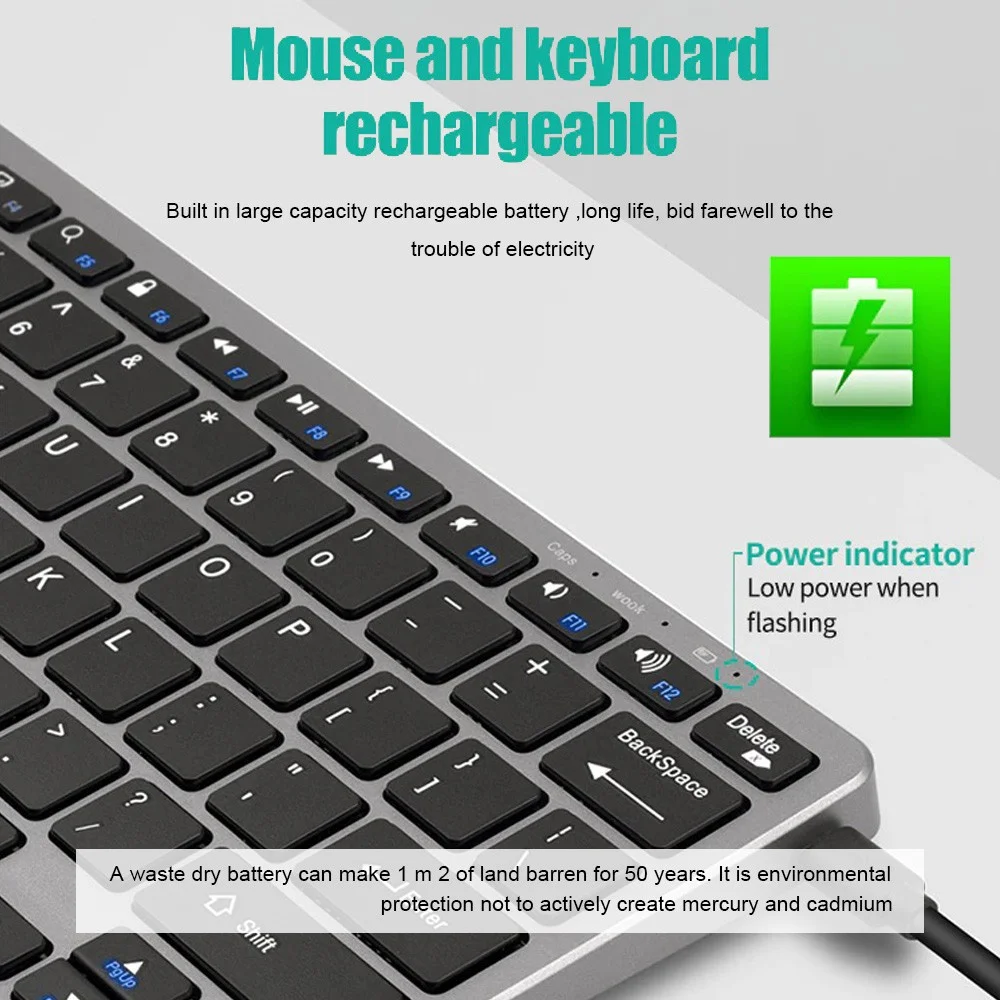
Mouse and keyboard rechargeable
Built in large capacity rechargeable battery ,long life, bid farewell to thetrouble of electricity
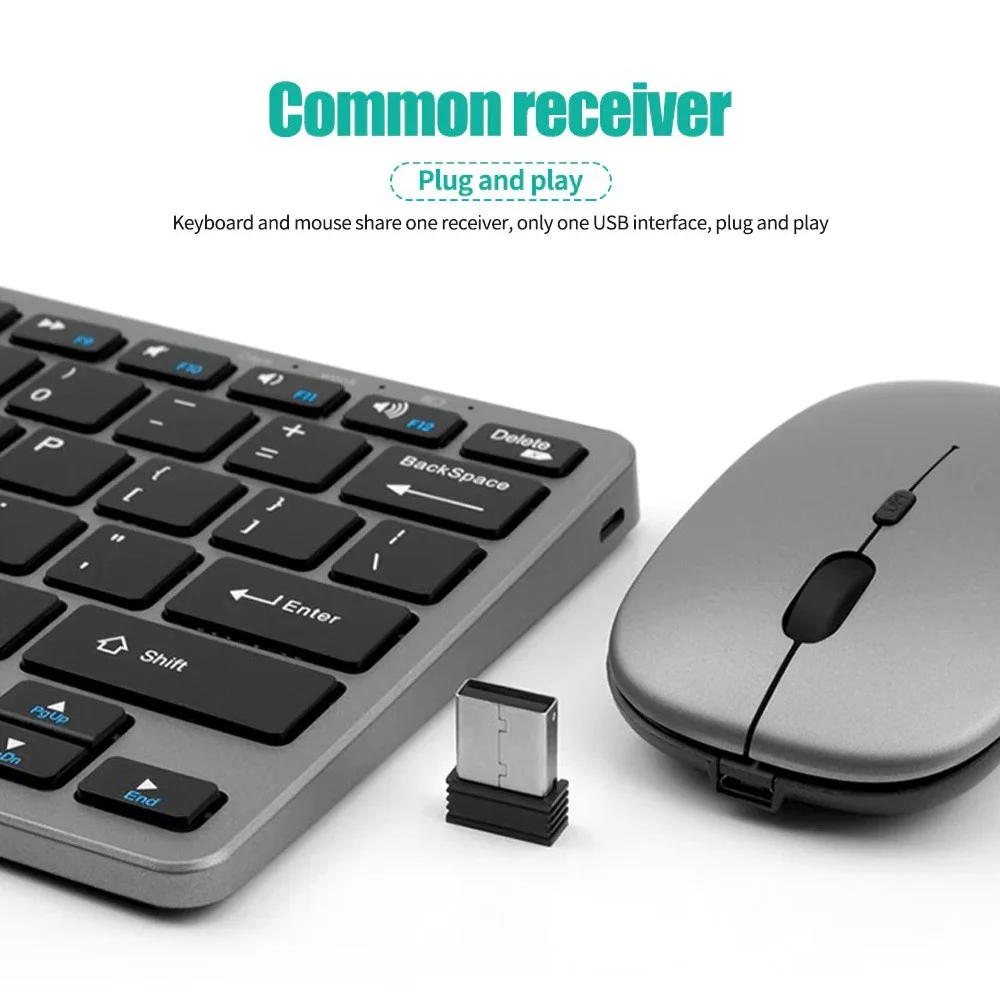
Common receiver(Plug and play)
Keyboard and mouse share one receiver, only one USB interface, plug and play
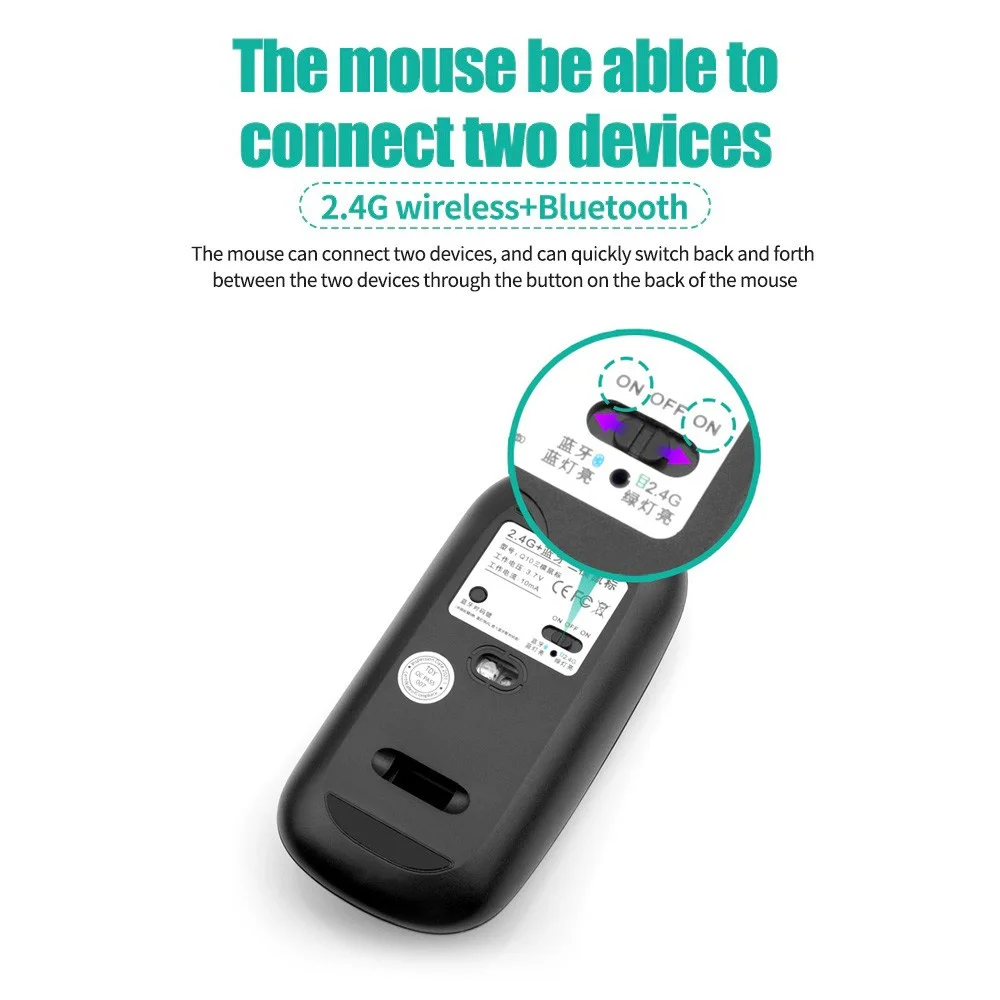
The mouse be able to connect two devices(2.4G wireless+Bluetooth)
The mouse can connect two devices, and can quickly switch back and forth between the two devices through the button on the back ofthe mouse
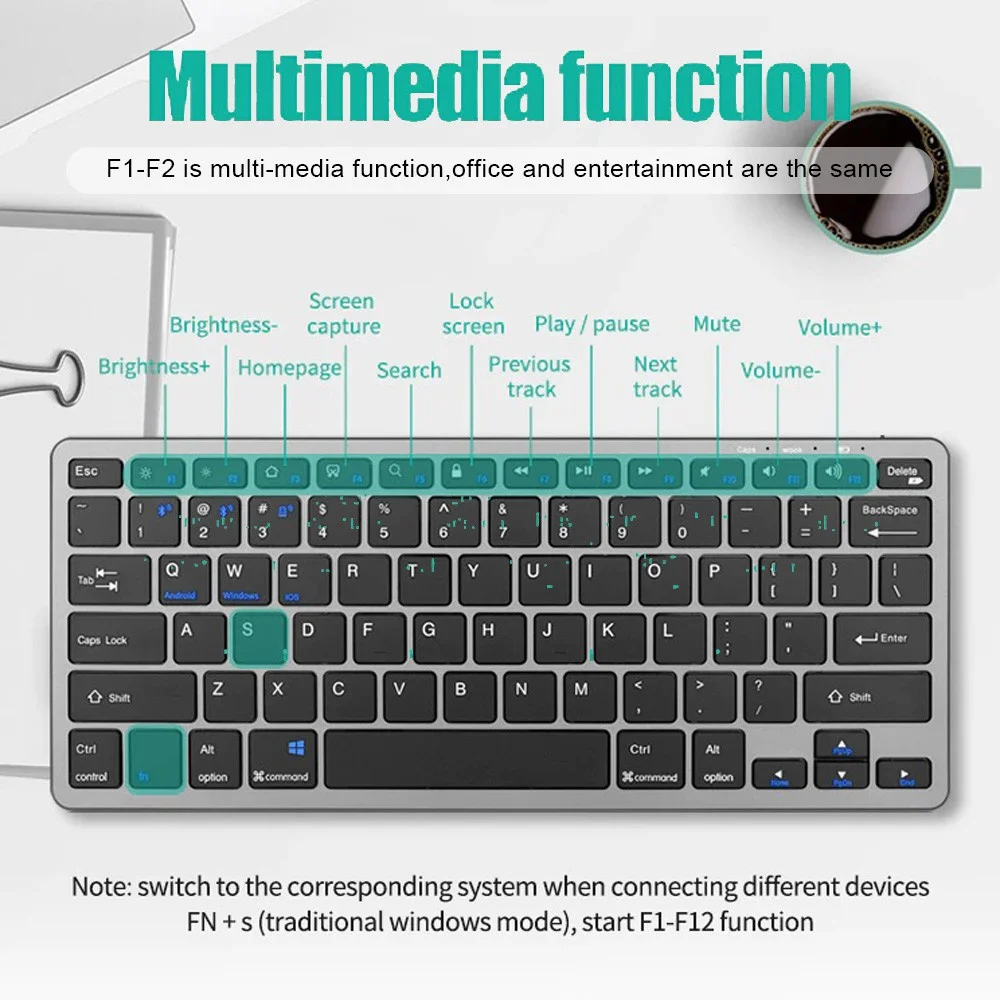
Multimedia functior
F1-F2 is multi-media function,office and entertainment are the same
Note: switch to the corresponding system when connecting different devicesFN +s(traditional windows mode),start F1-F12 function
Product parameters
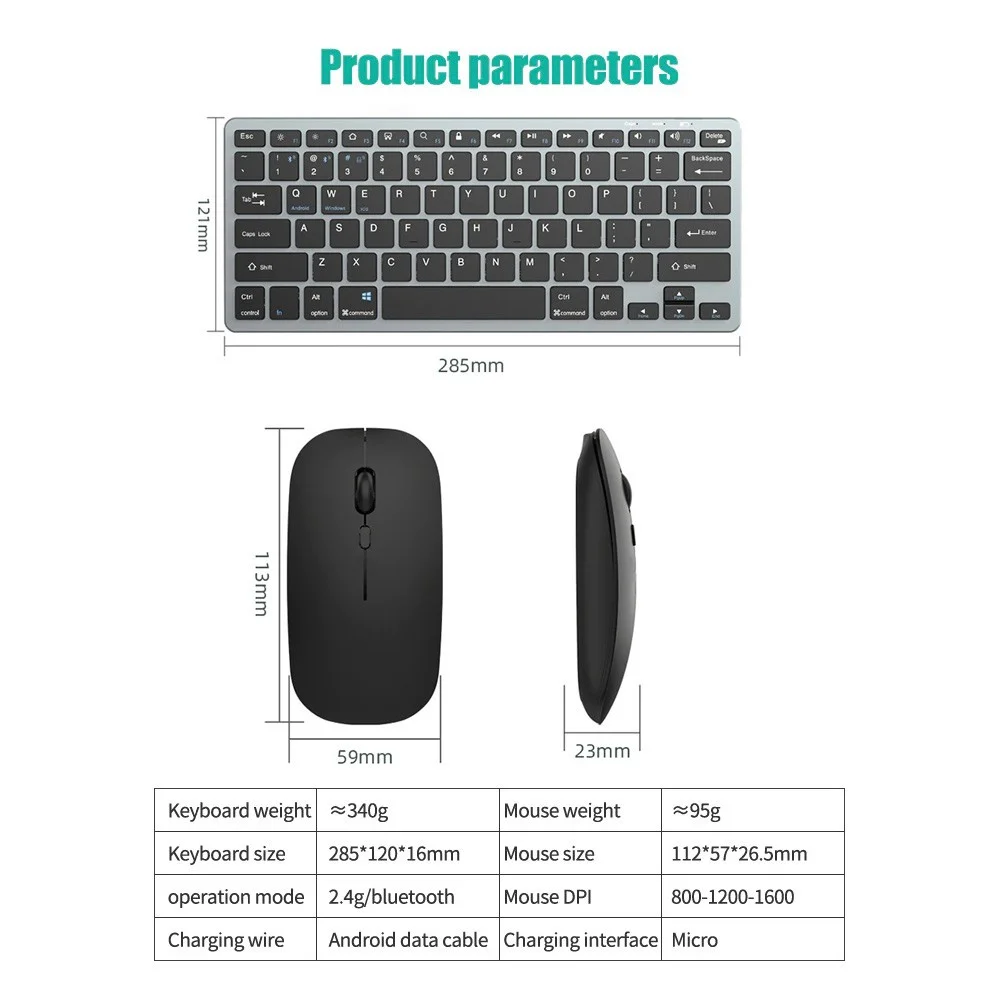
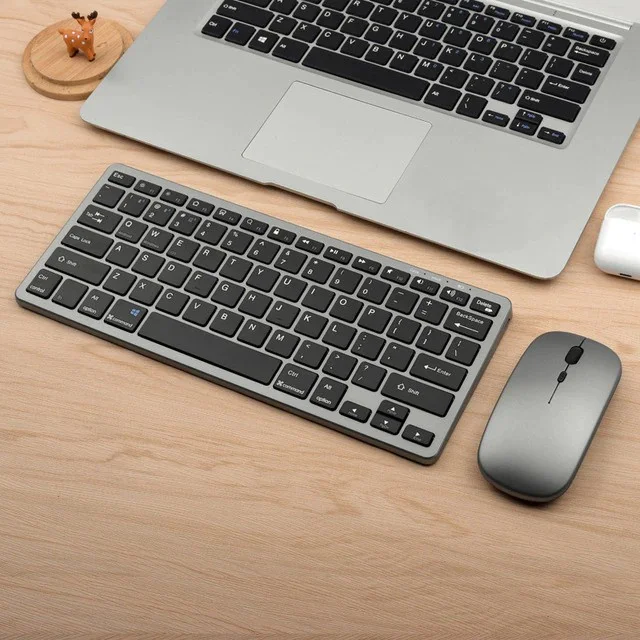
1. 2.4G connection
First plug the receiver into the computer USB port, turn on the mouse switch and set it to 2.4G, the light will flash for about 1 second, it will automatically connect, then turn on the keyboard switch and turn it to the ON position, the connection is successful about 1 second after the light flashes, if the light does not flash Just unplug the receiver and plug it in again. When not in use, you can directly turn off the keyboard and mouse without dialing out the receiver and turn it on automatically next time;
2. Bluetooth connection
Turn on the device's Bluetooth, turn on the mouse to the Bluetooth icon position, use Bluetooth to search for the name and connect directly, turn the keyboard switch to the ON position, press FN+1 or FN+2 for about one second, the light will stop after flashing, and it will be searched by Bluetooth direct connection. Note: Because this product supports Bluetooth 3.0 and 5.2 dual versions, there will be two Bluetooth hotspots in the Bluetooth search, no matter which one can be connected to use, version 3.0 only supports devices with lower Bluetooth version, version 5.2 supports Bluetooth 4.0 and above ios version 13 and above devices.
How to connect:
Press FN+C open the keyboard bluetooth function (Red light will flash) , then open the bluetooth of the laptop or tablet to connect
System support:
For Android: Press"FN+Q"
For Windows: Press"FN+W"
For IOS: Press"FN+E"
Multi-device connection:
1.FN+1: Connect to Bluetooth device 1
2. FN+2: Connect to Bluetooth device 2
3.FN+3: connect to usb, 2.4G wireless reception
4. FN+1,2,3 combination single press: you can switch paired devices
5. FN+1,2, press and hold the combination for 3 seconds: flashing light, you can start the searched state (connecting to a new device)
Note
This keyboard does not include Bluetooth adapter. If your device does not have Bluetooth, you will need to purchase an additional Bluetooth adapter.
The keyboard will automatically go into power savings mode after 10 minutes of inactivity. Press any key and wait 2-3 seconds to wake the keyboard.
There is no Escape key for Mac-book
The auto-correct feature on Pads is disabled when keyboard is in use.