HOMEFISH 50cm USB Monitor Light Bar with Touch Dimming
HOMEFISH 50cm USB Monitor Light Bar with Touch Dimming
Couldn't load pickup availability
Secure checkout
🚚 Shipping Policy
🚚 Shipping Policy
Free U.S. shipping on orders over $50.
We offer quick and dependable shipping. Orders arrive within 7–12 business days, complete with tracking updates.
↩️ Money back Guarantee
↩️ Money back Guarantee
Shop with confidence — enjoy easy, hassle-free returns within 30 days. Your satisfaction is our priority.
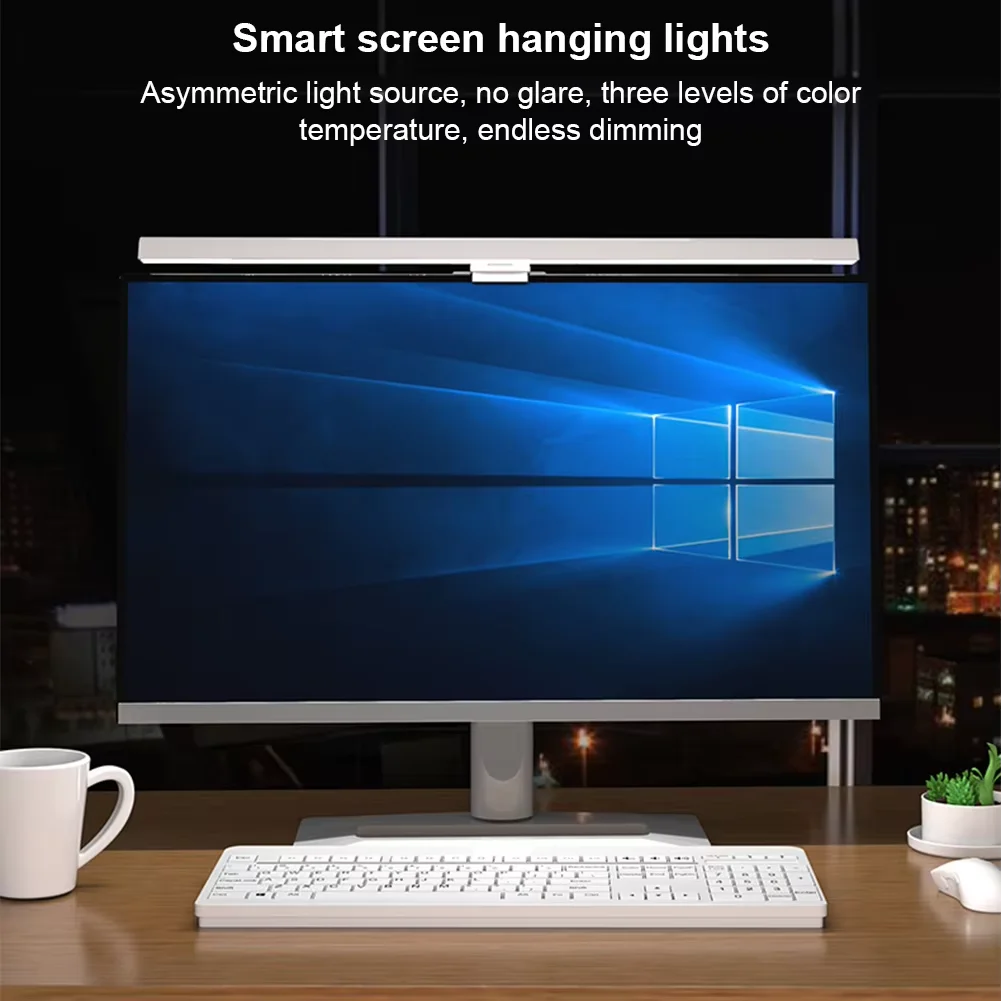
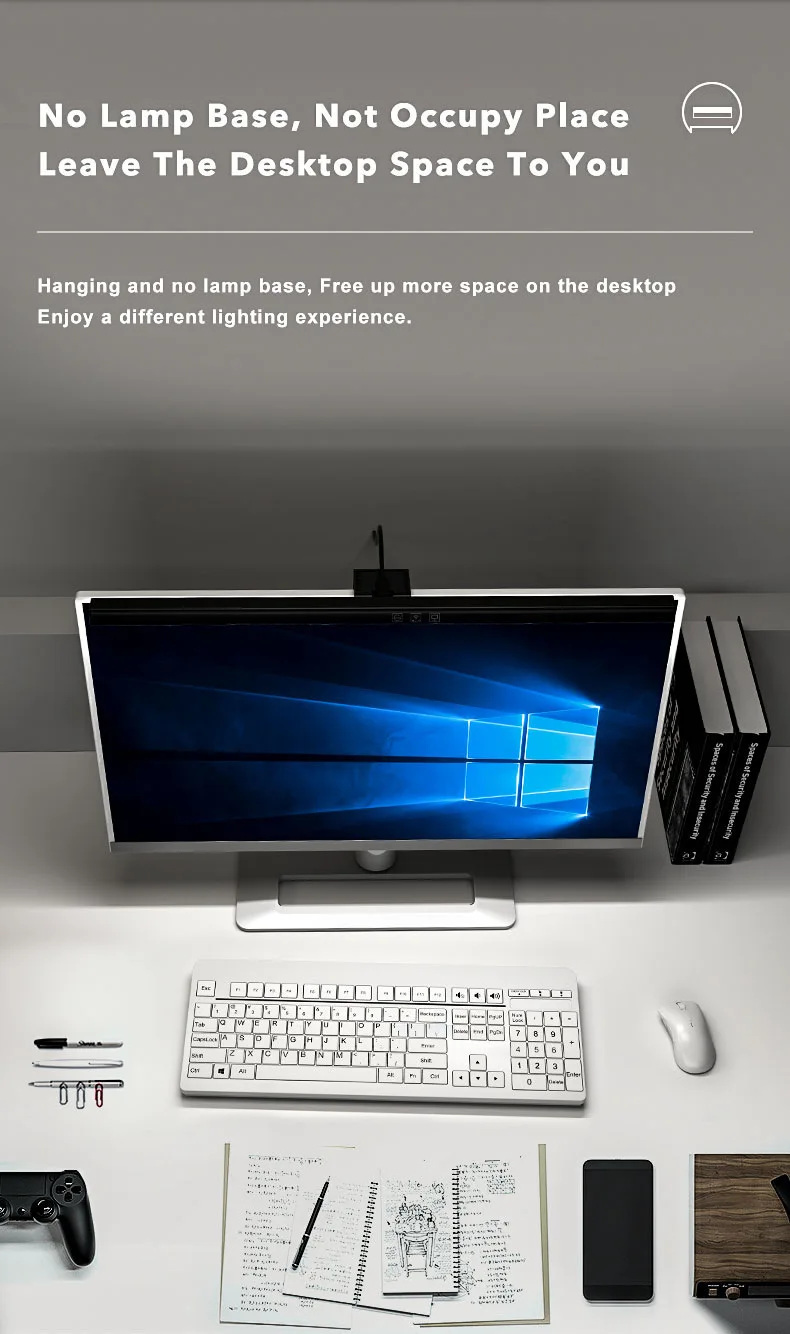
Keep your desktop clear while adding adjustable task lighting with the HOMEFISH 50cm USB monitor light bar. It mounts at the top of a compatible monitor, leaving space below for your keyboard, notes and everyday essentials. Touch controls, stepless dimming and three color temperatures let you tailor the light for reading, studying or desk work.
Key Benefits
- Desk-Saving Mount: A top-of-monitor clamp arrangement avoids a separate lamp base on your desk.
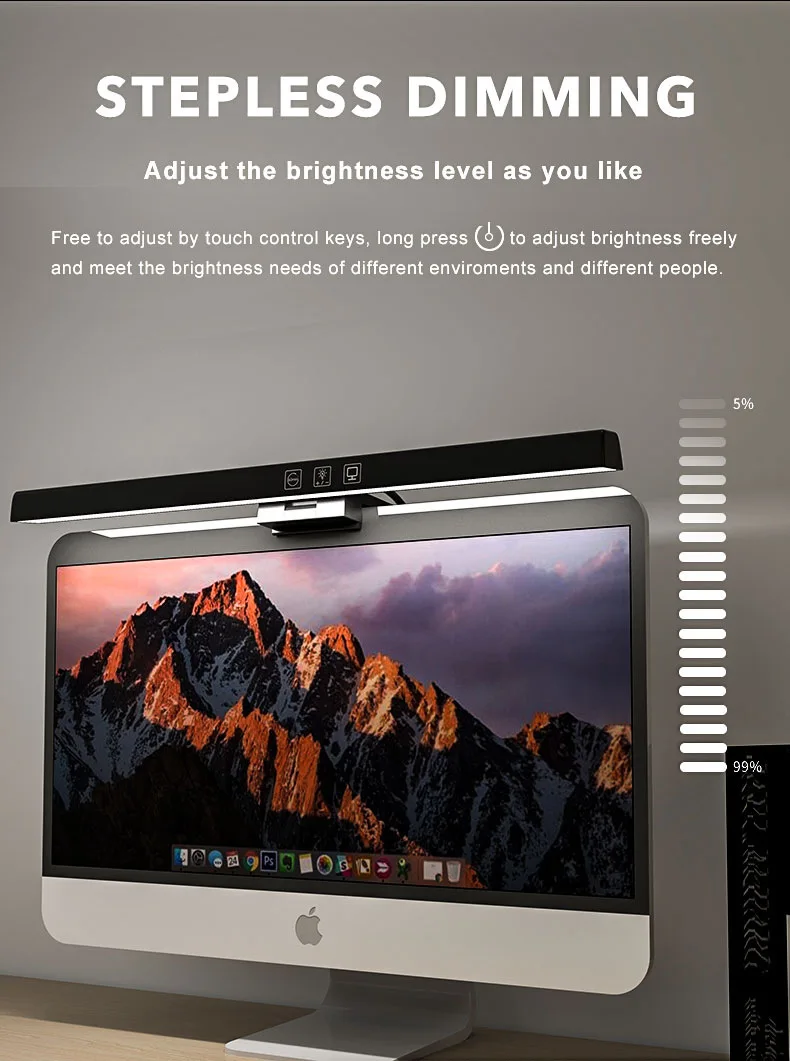
- Stepless Dimming: The description lists brightness adjustment from 5% to 100%.
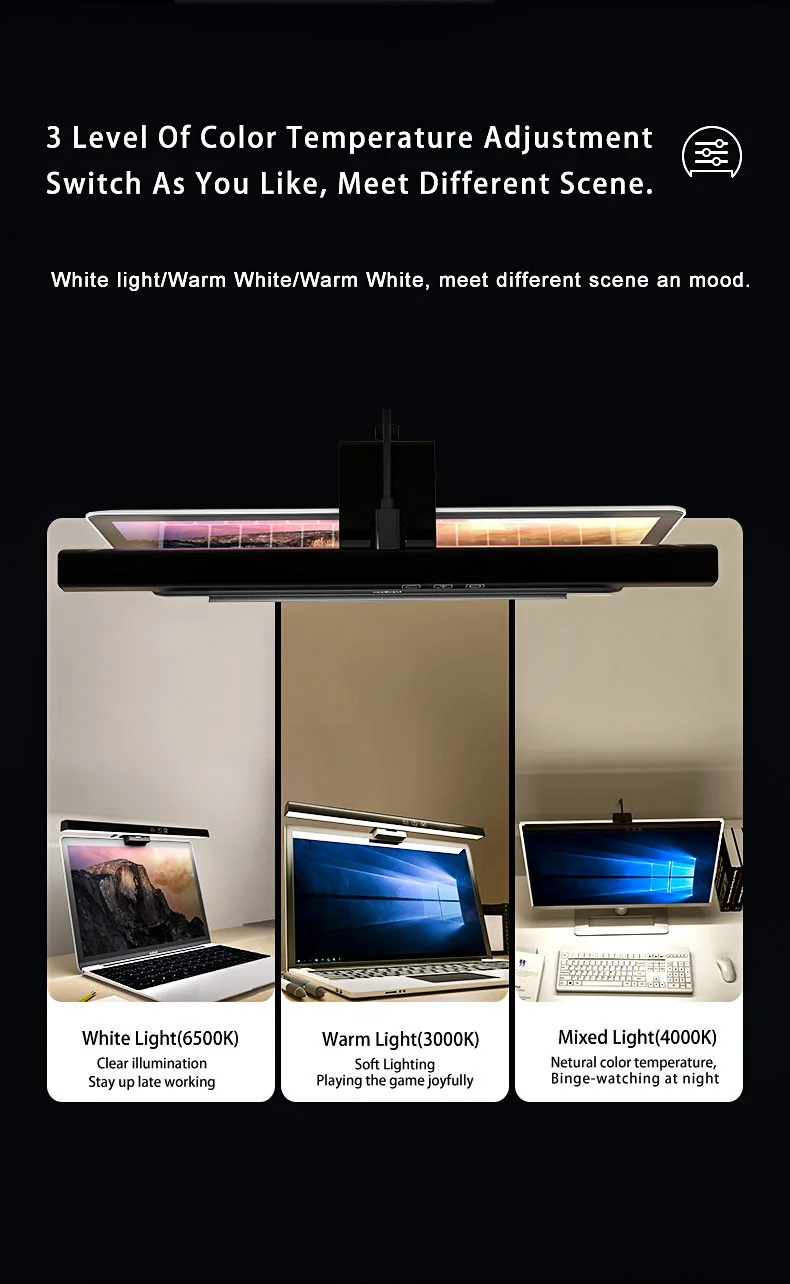
- Three Light Tones: Choose the listed 3000K, 4000K or 6500K color temperature.
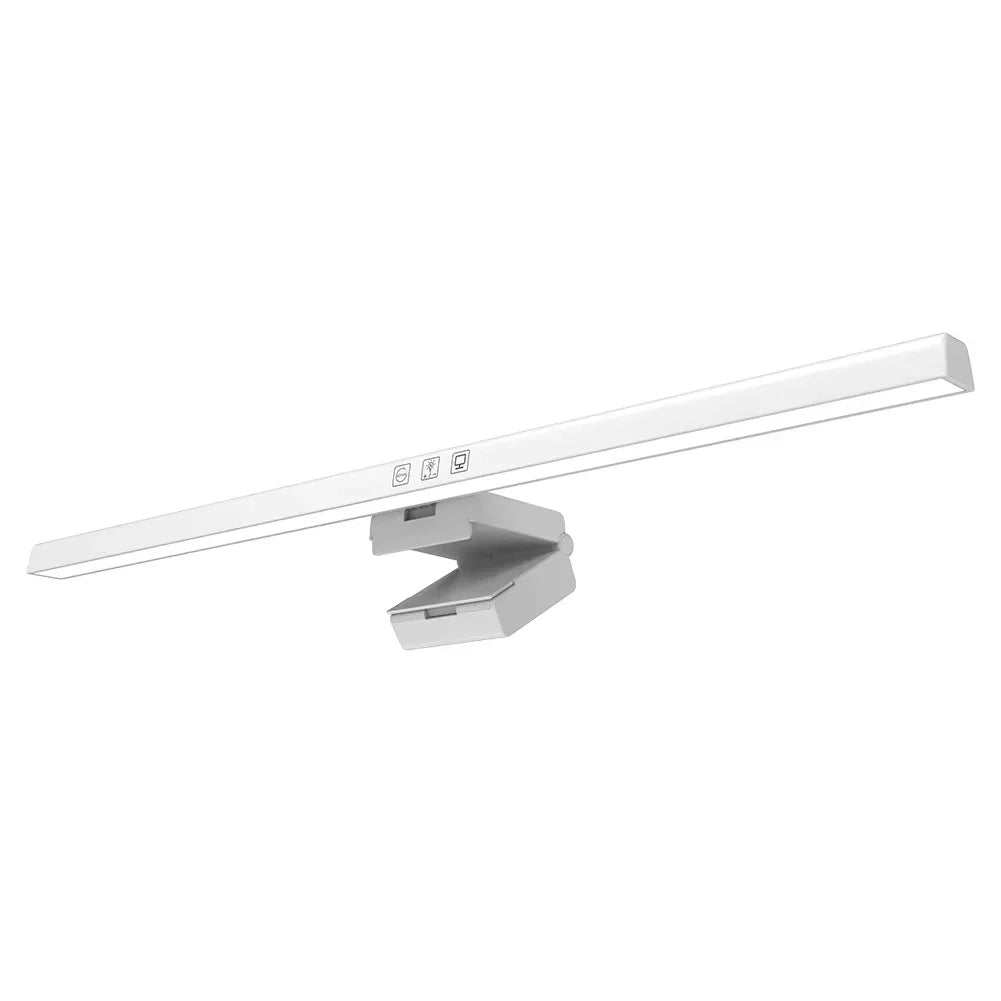
- Touch Controls: Adjust lighting using the lamp's described touch-control system.
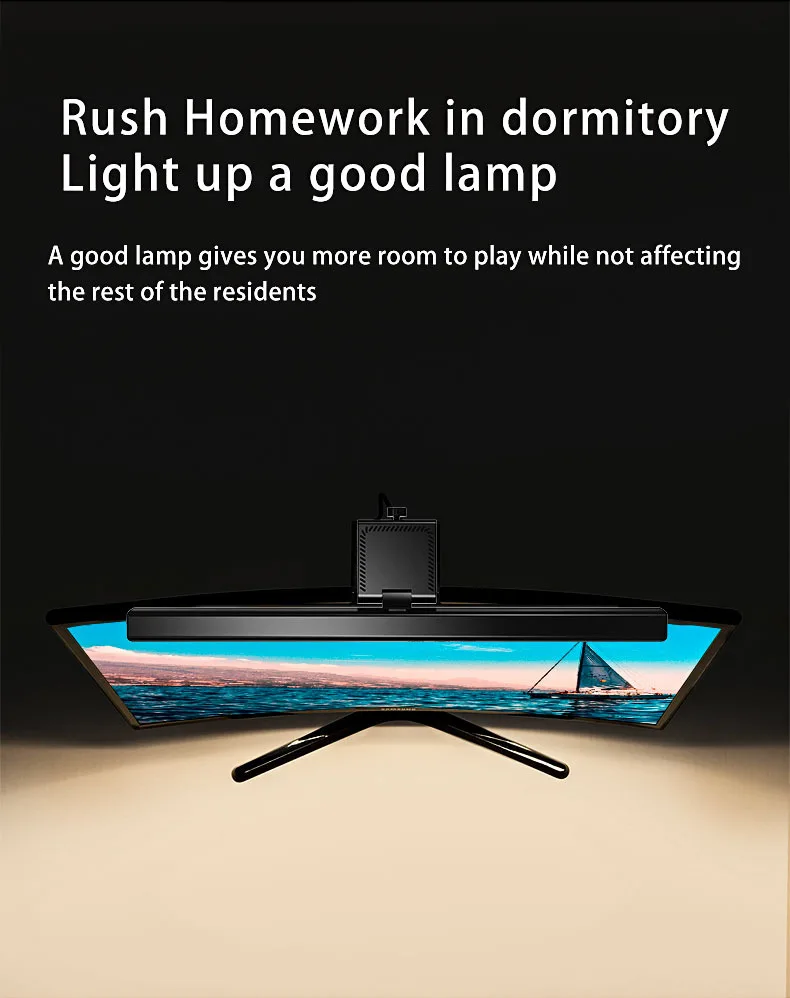
- Asymmetrical Lighting Design: Designed to direct light toward the desk; actual reflections depend on placement and screen setup.
- Tool-Free Mounting: Installation without tools is described for compatible monitors.
Specifications
- Brand: HOMEFISH.
- Product Type: USB-powered monitor light bar.
- Listed Length: 50cm, as stated in the original title.
- Material: ABS and PC.
- Rated Power: 5W.
- Rated Input: 5V DC, 1A.
- Brightness Adjustment: Listed 5–100% stepless dimming.
- Color Temperatures: 3000K, 4000K and 6500K.
- Listed Color Rendering Index: Greater than 90, according to the detailed specification.
- Light Source: Included.
- Colors: Black or white.
How to Use
- Confirm that the mounting arrangement fits your monitor's thickness, top edge and shape without obstructing the display or camera.
- Install the light bar according to the supplied manual and check that the mount is secure.
- Connect the supplied cable to a suitable source meeting the rated 5V DC, 1A input.
- The supplied text instructs holding the rightmost power control for approximately 1–2 seconds to turn on and holding it to turn off. Follow the unit's manual if controls differ.
- Adjust the color temperature, brightness and placement to suit your desk while checking for screen reflections.
What’s Included
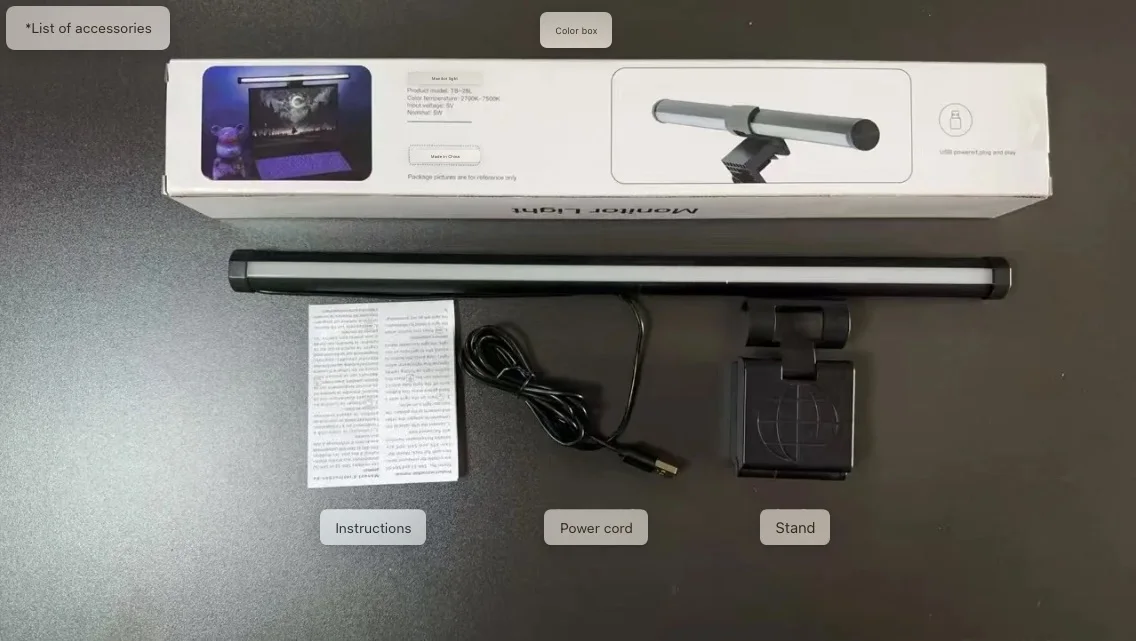
- One monitor light bar in the selected color.
- A dedicated cable and product manual are described as supplied.
Helpful Notes
- Monitor thickness limits, curved-screen compatibility and full mounting dimensions are not specified in the text. Universal monitor fit is not established.
- The power specification identifies DC operation, while a usage note refers to charging. No battery capacity or cordless runtime is supplied, so rechargeable operation is not established.
- The detailed specification lists 201 lumens, while a general field gives 249–2000. These conflict; a verified light-output figure is not established.
- Glare elimination and eye-protection wording is not supported by test results. No flicker-free, medical or guaranteed glare-free performance is promised.
- Use the rated input and supplied cable as directed. Wall power-adapter inclusion is not specified.
FAQ
Will it fit any monitor?
Universal fit is not established. Confirm monitor thickness, edge shape, camera position and clamp compatibility before ordering.
Can I adjust the brightness and light color?
Yes. The description lists 5–100% stepless dimming and color temperatures of 3000K, 4000K and 6500K.
Does it work without USB power?
Cordless operation is not established. The rated input is 5V DC, 1A, and no battery capacity or runtime is specified.
How do I turn it off?
The usage note says to press and hold the power button. Consult the supplied manual for the exact control sequence.
Is a cable included?
A dedicated cable and manual are described as included. A wall power adapter is not specified.