Skip to product information
1 of 6

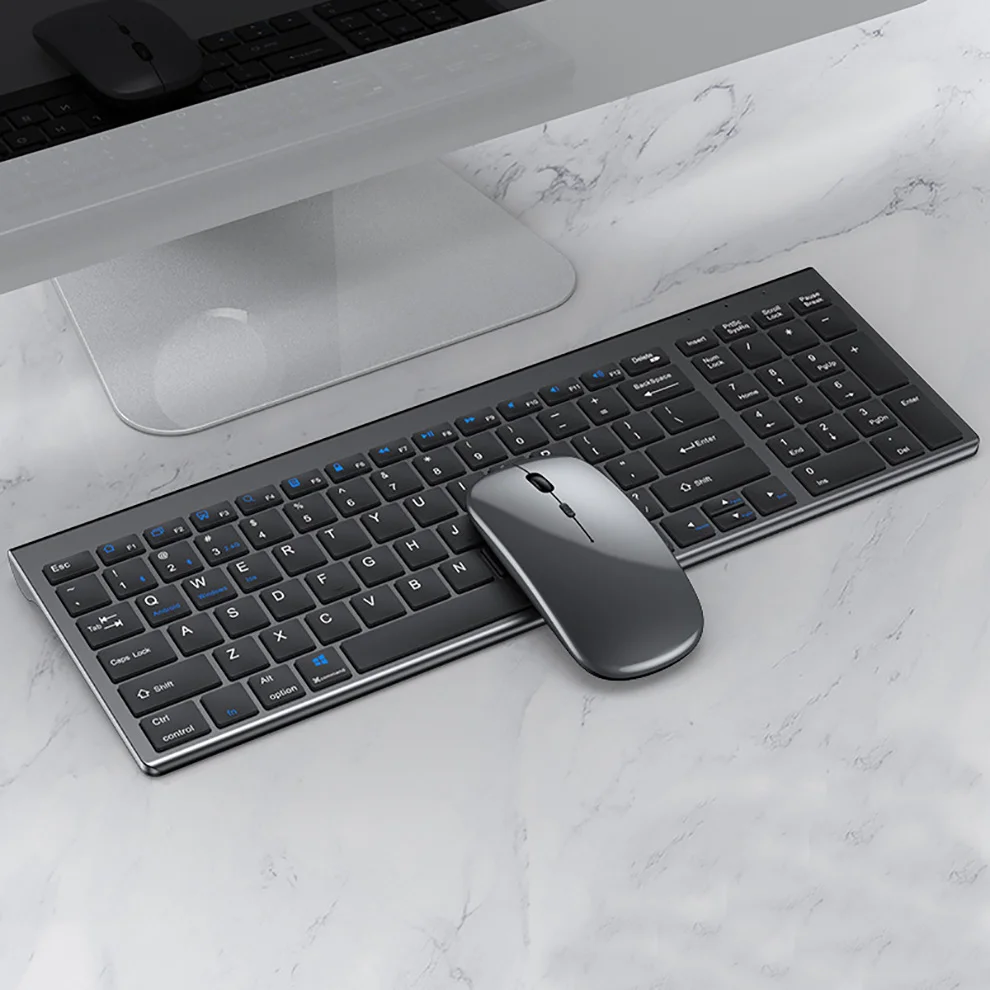
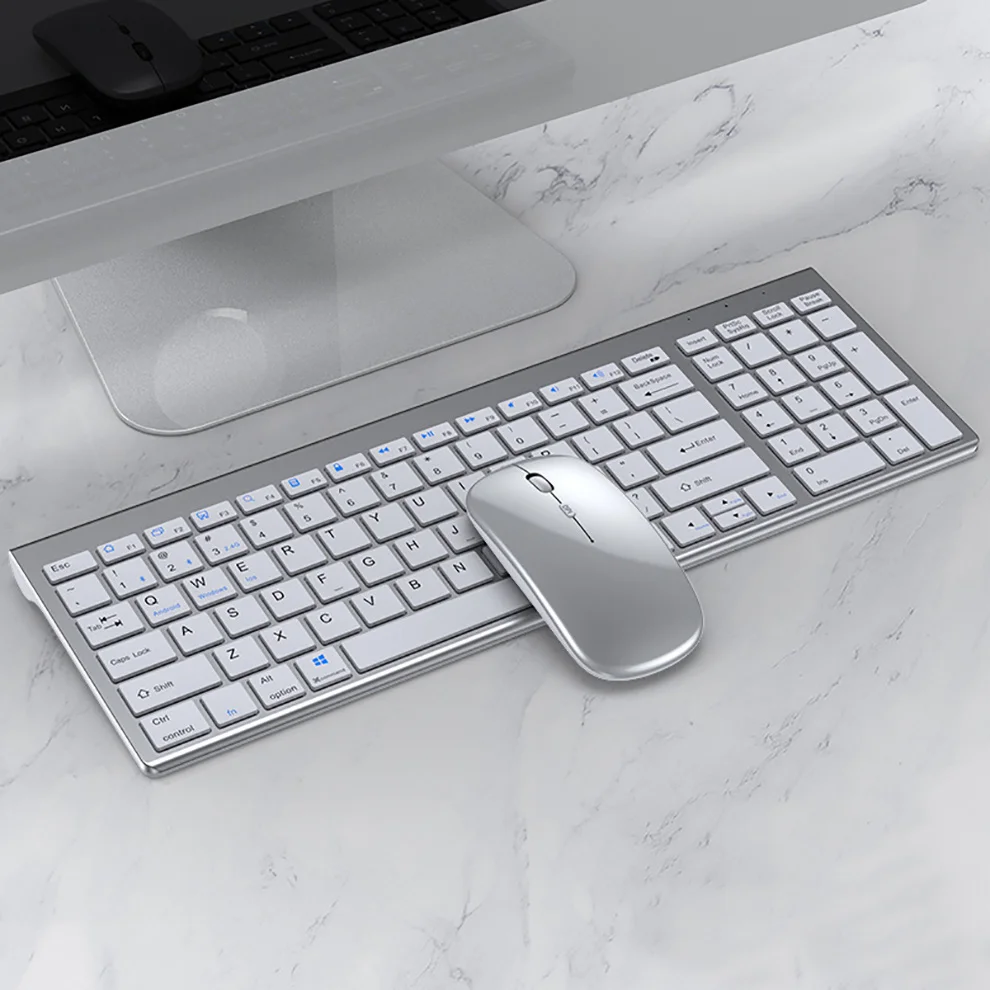
Jomaa Slim Rechargeable Bluetooth Keyboard and Mouse Set for Laptop Computer 2.4G USB Wireless Keyboard and Mouse Combo

Jomaa Slim Rechargeable Bluetooth Keyboard and Mouse Set for Laptop Computer 2.4G USB Wireless Keyboard and Mouse Combo

Free Shipping on orders over $50 - Limited Time
Regular price $67.99 USD
Regular price $94.99 USD Sale price $67.99 USD
Save $27.00
Shipping calculated at checkout.
👔 Father's Day Bundle Offer
More you buy, more you save — automatic discount applied at checkout
Buy 1 item
Perfect for a thoughtful Father's Day gift
No discount
Buy 2+ items
Gift one, keep one — Father's Day savings unlocked
Save 10%
Buy 3+ items
Best value for Father's Day gifting
Best Value
Save 15%
Only 5 left in stock — order soon before it sells out.
🔥 30% Off ends in
0
0
:
0
0
:
0
0

Secure checkout

American Express
Apple Pay
Diners Club
Discover
Google Pay
Mastercard
PayPal
Shop Pay
Visa
🛒
Ordered
Once the order is placed, it takes 24 hours to prepare the shipment.
🚚
Shipped
Orders will start to be shipped within 1 business day.
Delivered
Enjoy your order! Estimated delivery within 7 days after dispatch.
Free Returns
Easy returns for extra peace of mind.

🚚 Shipping Policy

Free U.S. shipping on orders over $50.
We offer quick and dependable shipping. Orders arrive within 7–12 business days, complete with tracking updates.

↩️ Money back Guarantee

Shop with confidence — enjoy easy, hassle-free returns within 30 days. Your satisfaction is our priority.

SPECIFICATIONS

Applicable Object: for laptop

Battery Included: Yes

Brand Name: JOMAA

Certification: CE,RoHS

Choice: yes

High-concerned chemical: None

Interface: Bluetooth,USB,Bluetooth

Keyboard Connection: WireLess

Mouse Connection: WireLess

Optical Resolution: 1600 DPI

Origin: Mainland China

Package: Yes

Products Status: STOCK

Supports Human Engineering: Yes

Type: ERGONOMIC,Gaming,Multimedia,Russian Version,SLIM,Standard,WireLess

With Multimedia Function Keys: Yes


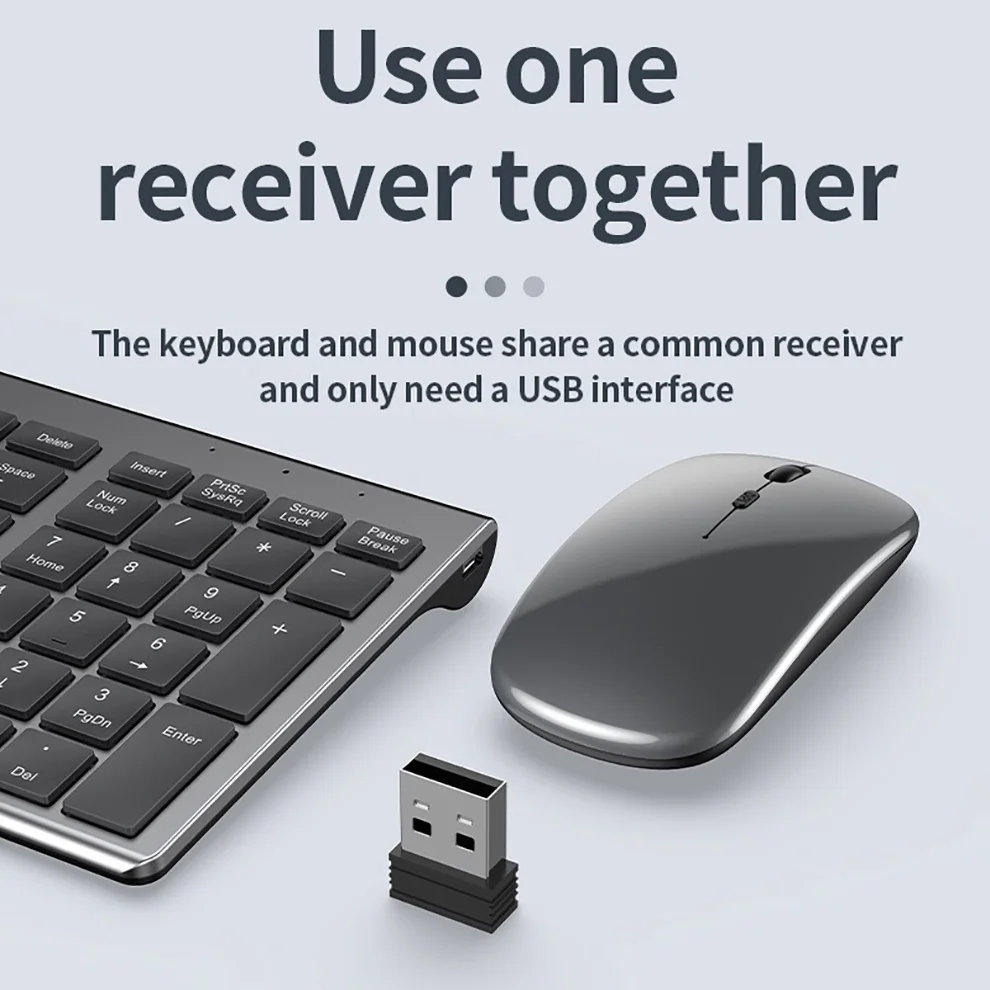
USB2.4G connection:
1. Flip the power switch to ON to turn on the keyboard
2. Insert the USB into the computer, press and hold the button FN+~, the connection is successful
 
Bluetooth connection:
1. Flip the power switch to ON to turn on the keyboard
2. Turn on your device's Bluetooth to enter the search state (system settings - turn on Bluetooth - search and add)
2. Press and hold the key FN+1 or FN+2 or FN+3 on the keyboard, the light flashes, the device will display "O50 keyboard BT", you can click to connect successfully.


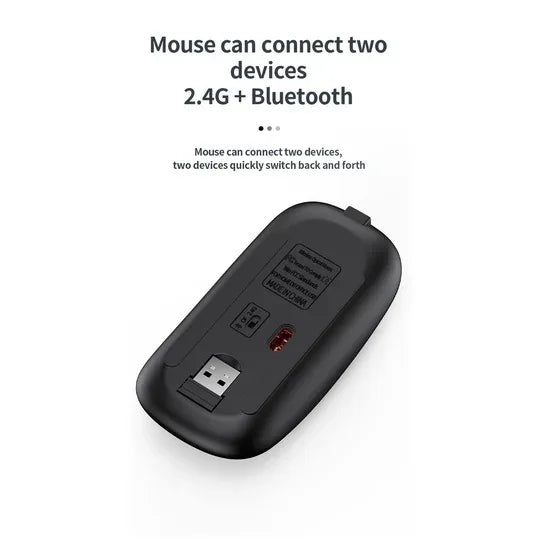
Multi-device connection:
1.FN+1: Connect to Bluetooth device 1
2.FN+2: connect to bluetooth device 2
3.FN+3: connect to bluetooth device 3
4.FN+~: connect to USB, 2.4G wireless reception
5. Press FN+1/2/3/~ alone to switch the paired devices
6.FN+1/2/3, press and hold for 3 seconds in combination: flashing light, can start the searched state (connect a new device)
 
 
Additional instructions:
1. For the first connection, you need to switch the keyboard to the corresponding system
2. Failure to switch may cause the function keys to not be used normally!
3. The keyboard distance is 5-10 meters, and the language environment factors of different devices are related to the distance.
 
 
troubleshooting:
1. When the keyboard cannot be searched, please try to turn on the bluetooth on the device to search again
2. When the keyboard is turned on and there is no indicator light, try to charge the keyboard.
3. After connecting to other devices, go back to the original device again, you need to delete the old record before you can connect

4. When the pairing fails, you need to delete the failed pairing record, and then perform the second pairing





View full details
30% Off Storewide — Auto-Applied at Checkout | Free Shipping on Orders Over $50 | Subscribe & Get 5% Off Your First Order | Ships to USA Within 7 to 12 Days |