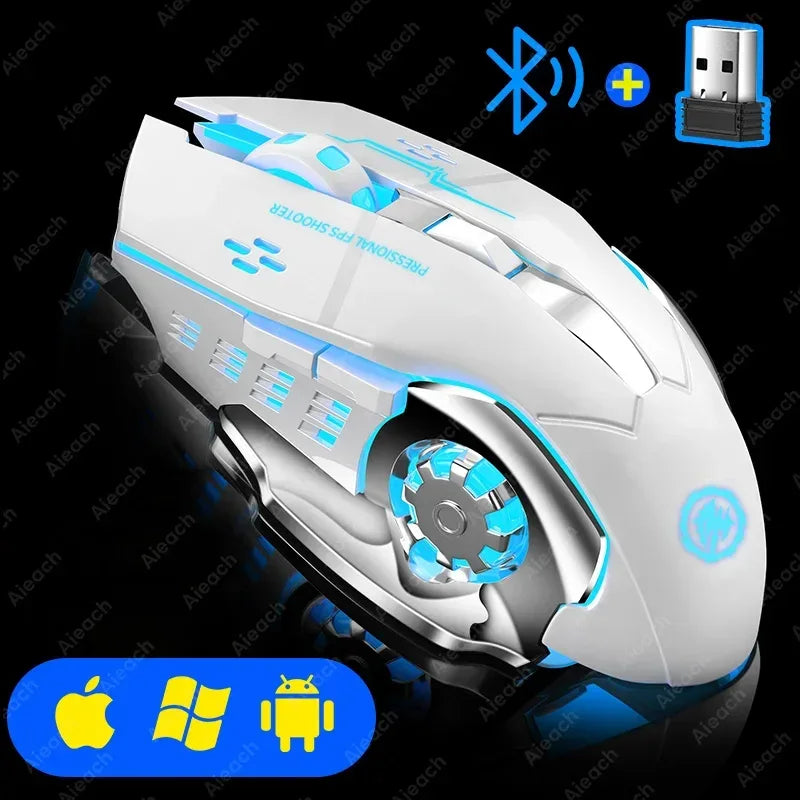
Wireless Bluetooth Gaming Mouse 2.4g USB Rechargeable Ergonomic Mechanical Backlight Design for Laptop PC Computer Gamer
Wireless Bluetooth Gaming Mouse 2.4g USB Rechargeable Ergonomic Mechanical Backlight Design for Laptop PC Computer Gamer
Couldn't load pickup availability
Secure checkout
🚚 Shipping Policy
🚚 Shipping Policy
Free U.S. shipping on orders over $50.
We offer quick and dependable shipping. Orders arrive within 7–12 business days, complete with tracking updates.
↩️ Money back Guarantee
↩️ Money back Guarantee
Shop with confidence — enjoy easy, hassle-free returns within 30 days. Your satisfaction is our priority.
SPECIFICATIONS
Battery Included: Yes
Brand Name: VUUV
Certification: CE
Choice: yes
DPI: 2000
Gross Weight: 130
Hand Orientation: Right
High-concerned chemical: None
Interface Type: Bluetooth
Number of Buttons: 6
Number of Rollers: 1 pcs
Operation Mode: Opto-electronic
Origin: Mainland China
Package: Yes
Power Type: Rechargeable
Time to market: Jan-09
Type: Bluetooth Wireless
Product description:
Name: M2 Mechanical gaming mouse
Battery capacity: 500 mAh
Compatible Devices: Tablets, PC,Laptop with Bluetooth functionality
Function 1: Bluetooth connection/2.4G mode
Function 2: 6-key layout
Function 3: Backlight function
Function 4: Rechargeable
Function 5: 3 Level DPI adjustable
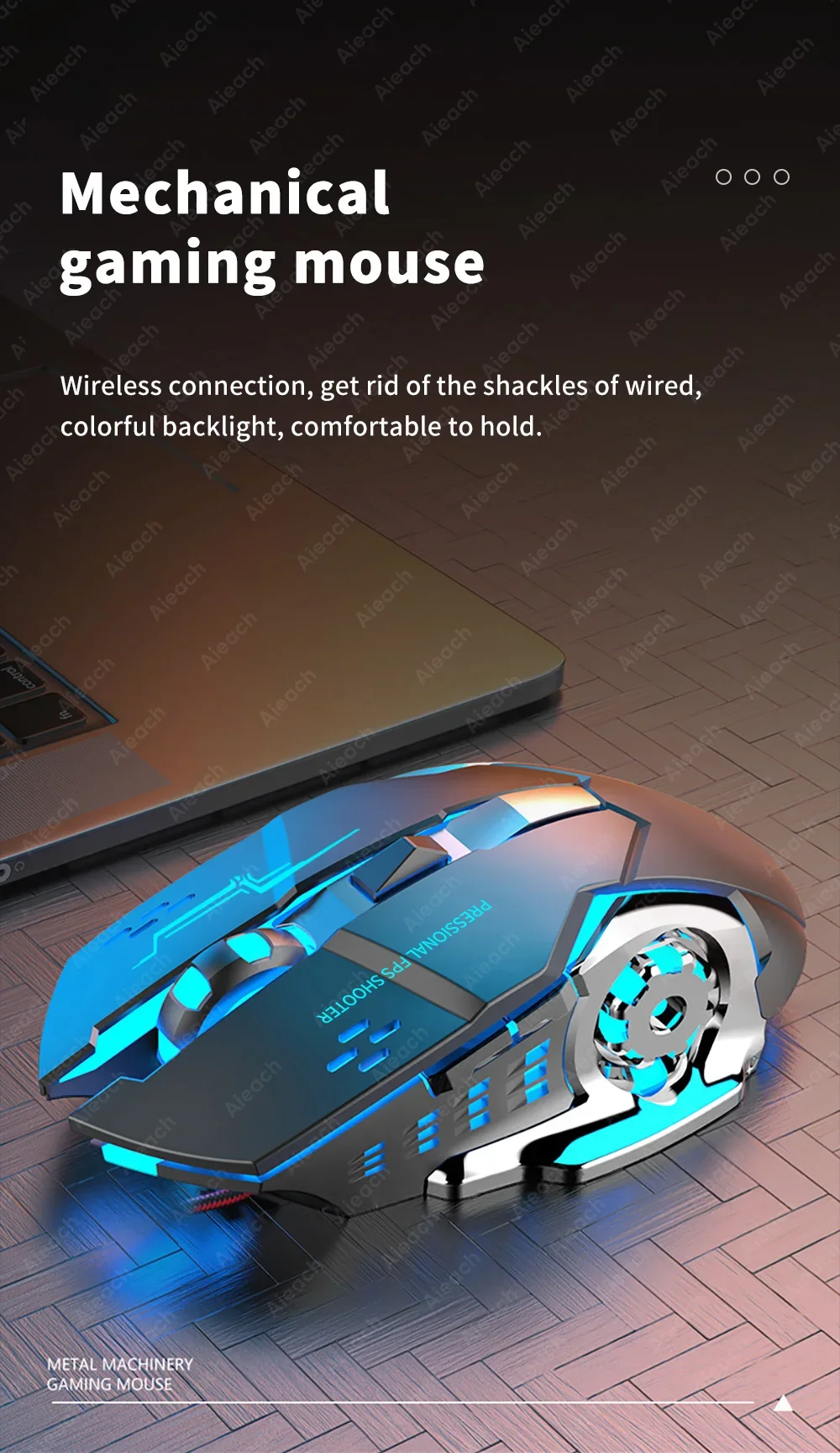
Mechanical gaming mouse
Wireless connection, get rid of the shackles of wired, colorful backlight, comfortable to hold.
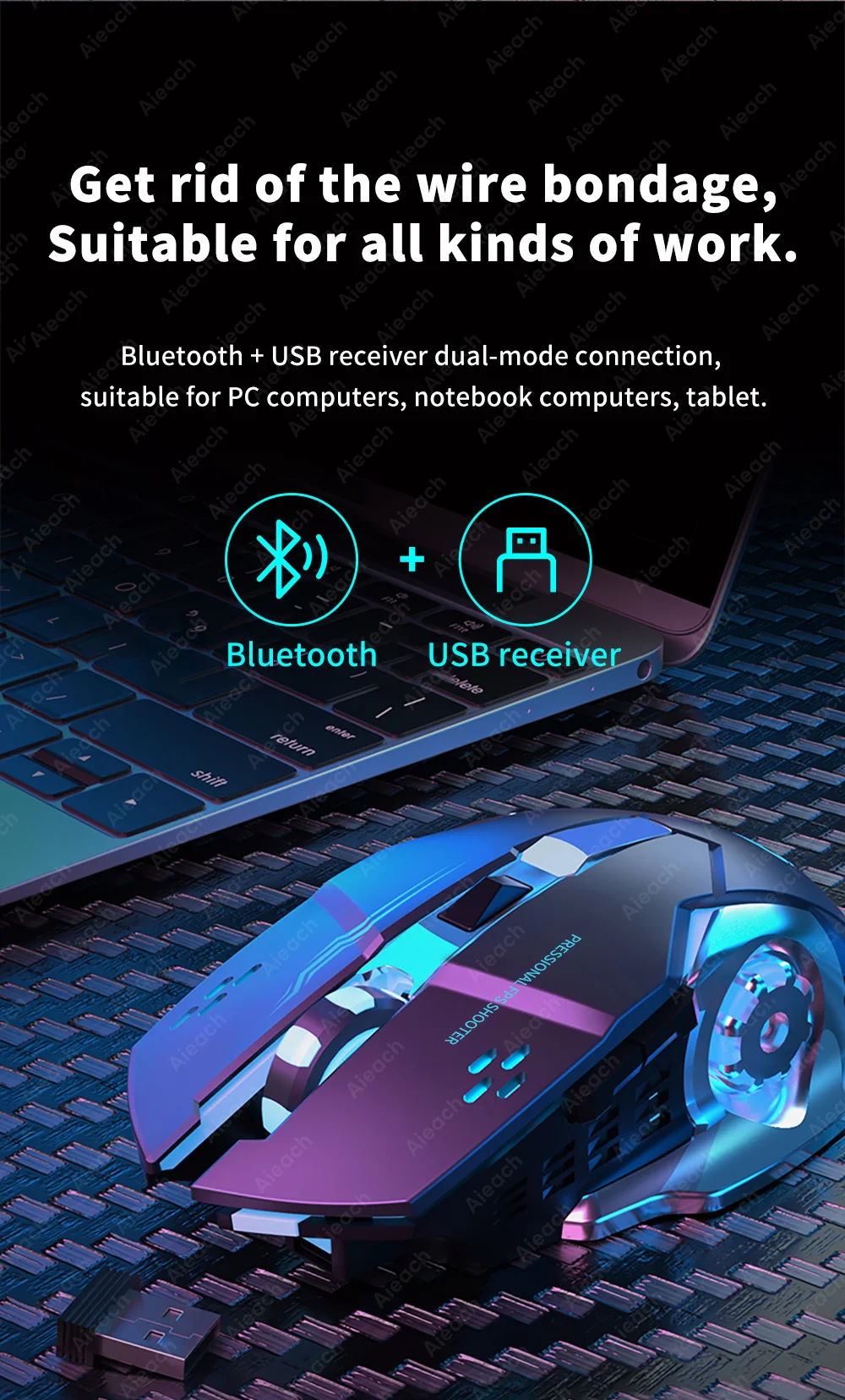
Get rid of the wire bondage,Suitable for all kinds of work.
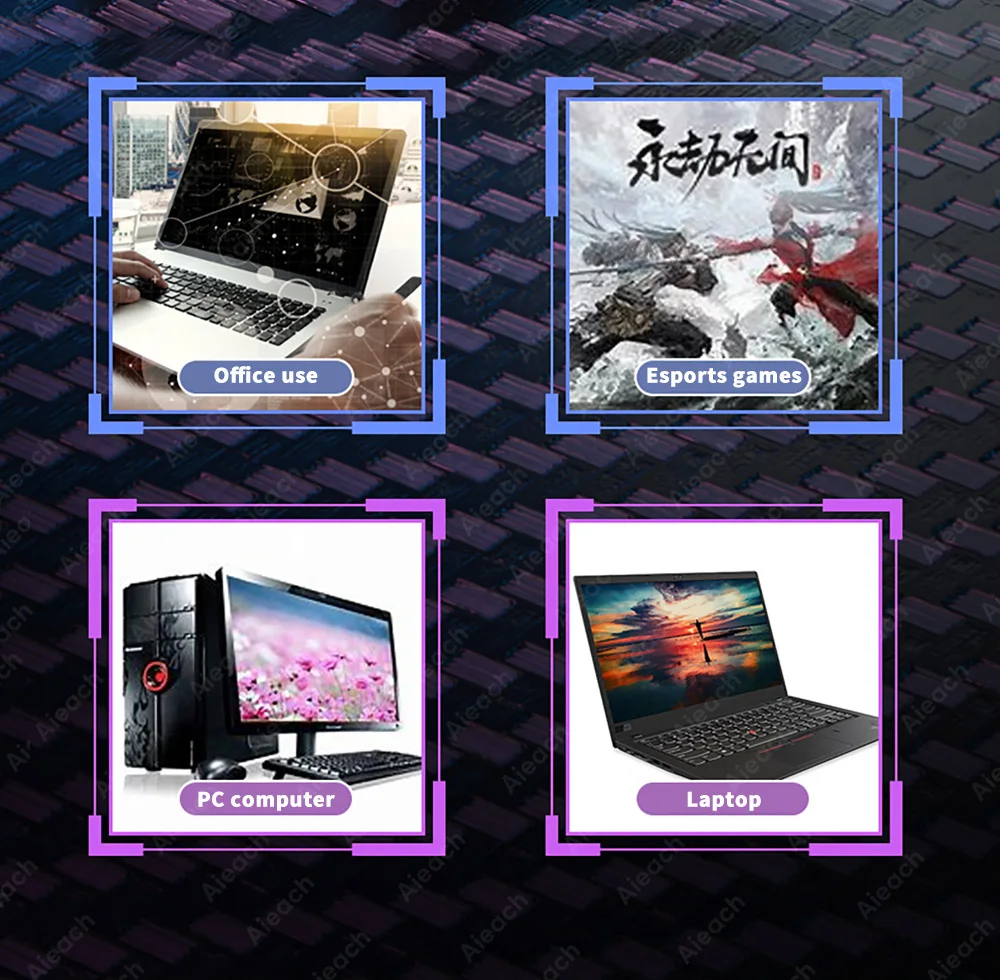
Bluetooth + USB receiver dual-mode connection, suitable for PC computers, notebook computers, tablet.
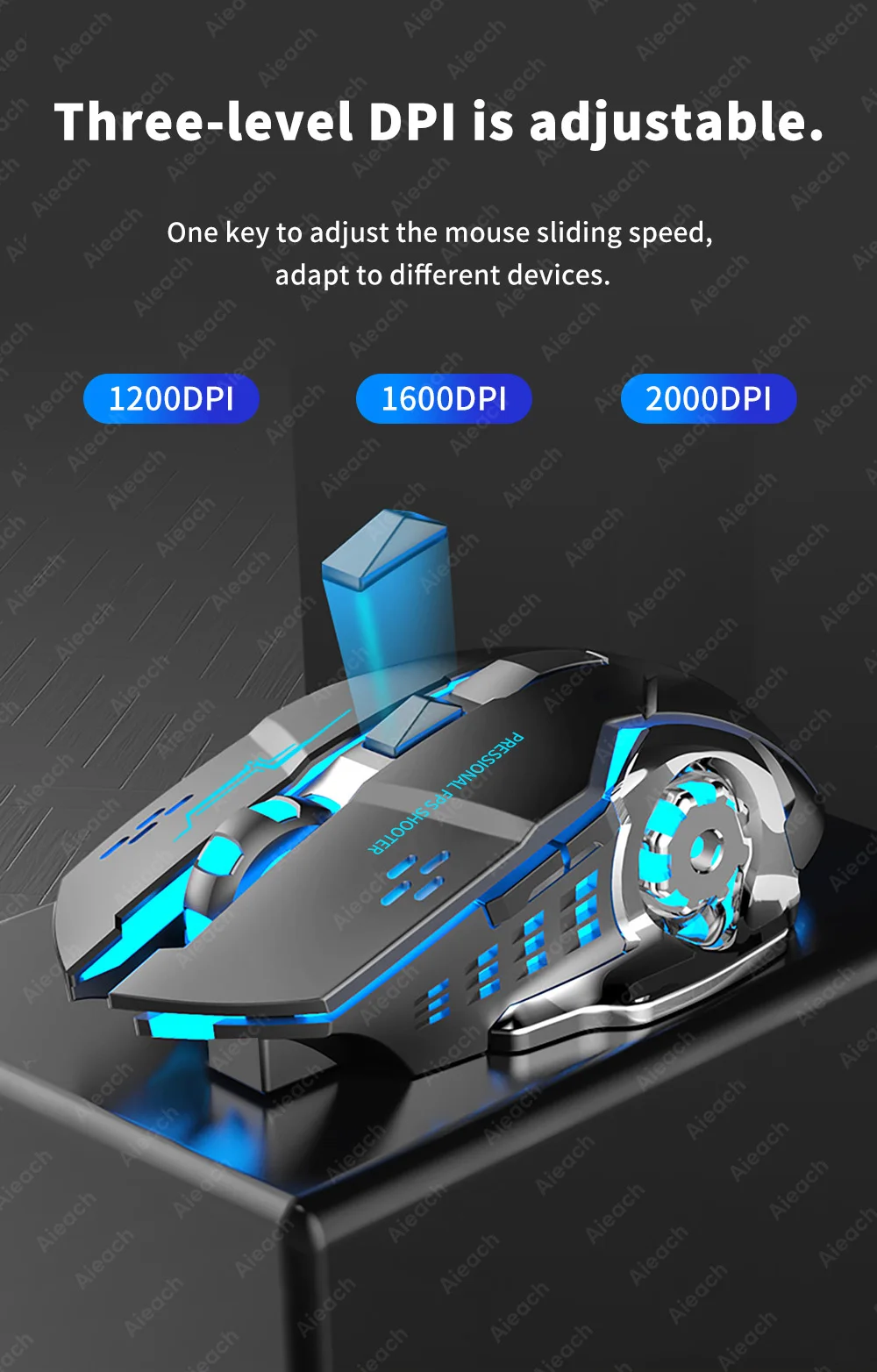
Three-level DPI is adjustable.
One key to adjust the mouse sliding speed, adapt to different devices.
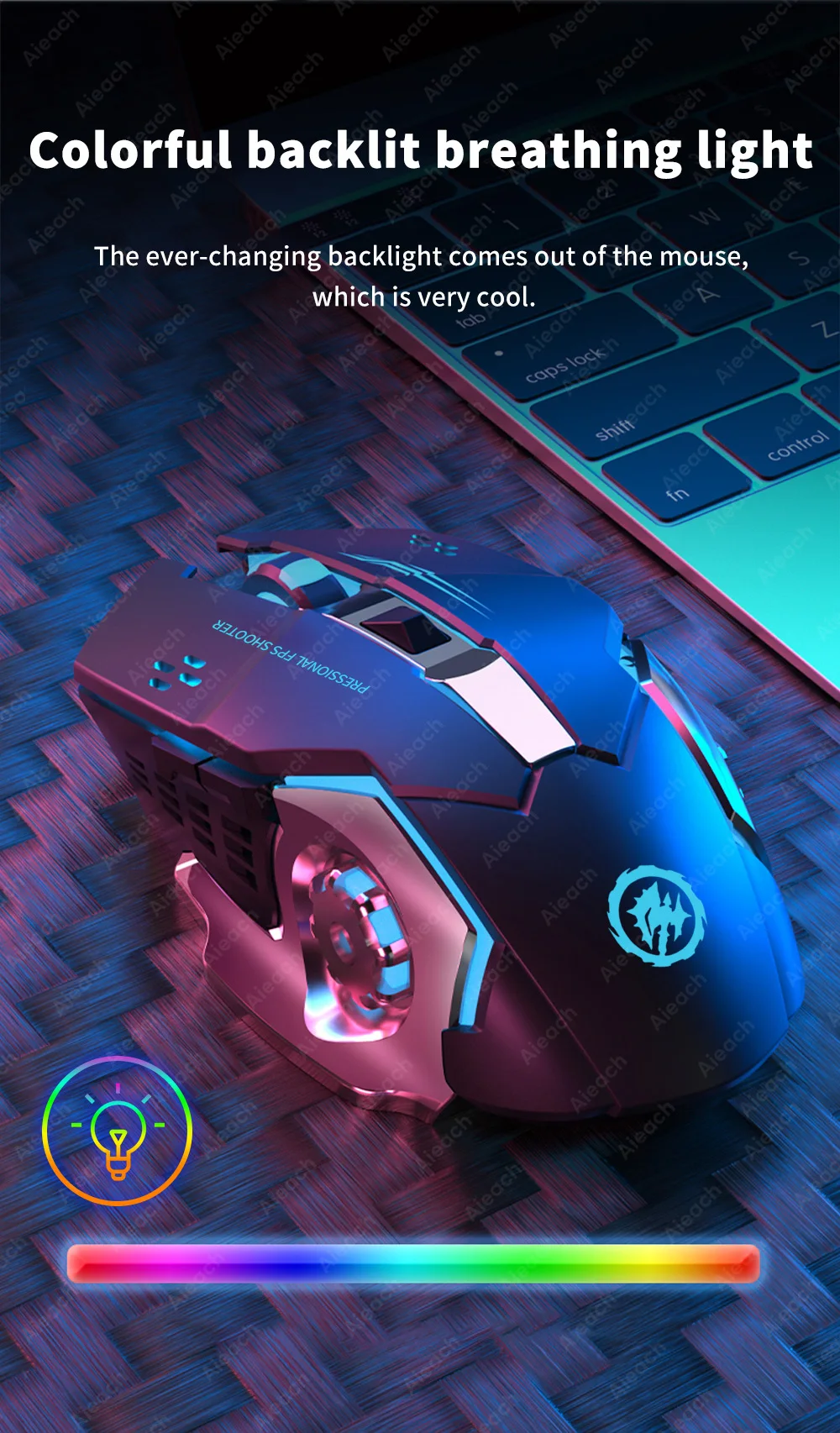
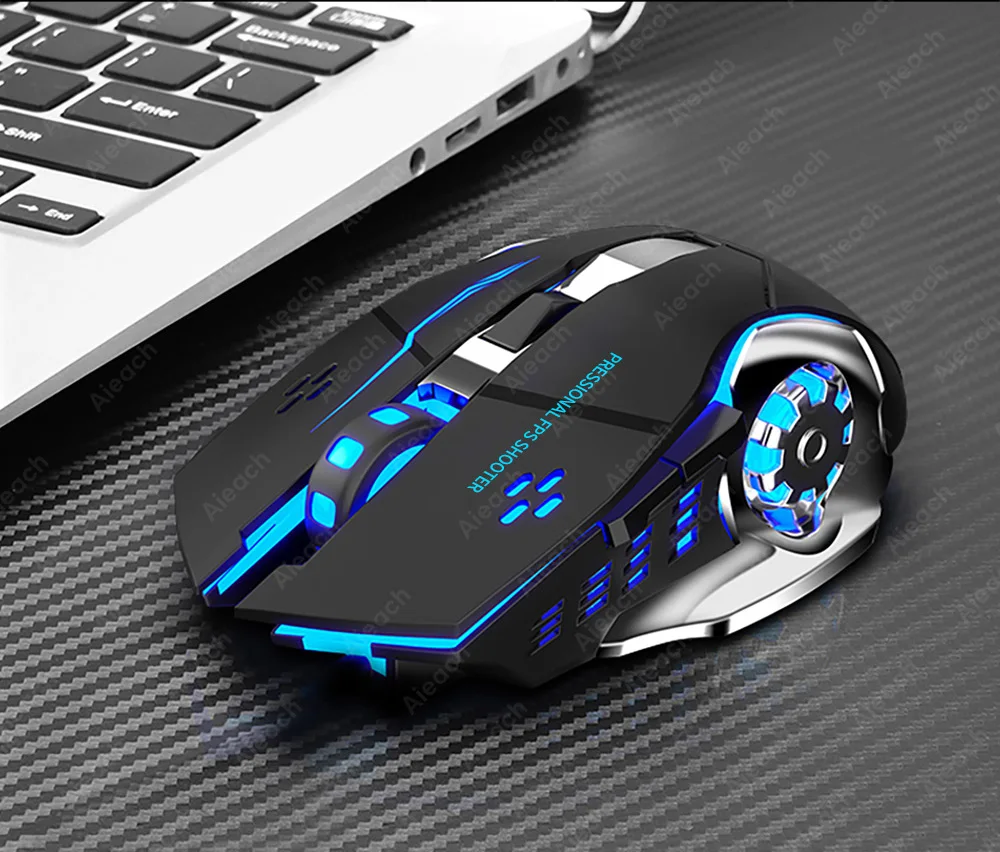
Colorful backlit breathing light
The ever-changing backlight comes out of the mouse, which is very cool.
Note: The light is a constantly changing breathing light, and the picture is only a snapshot of instantaneous changes.
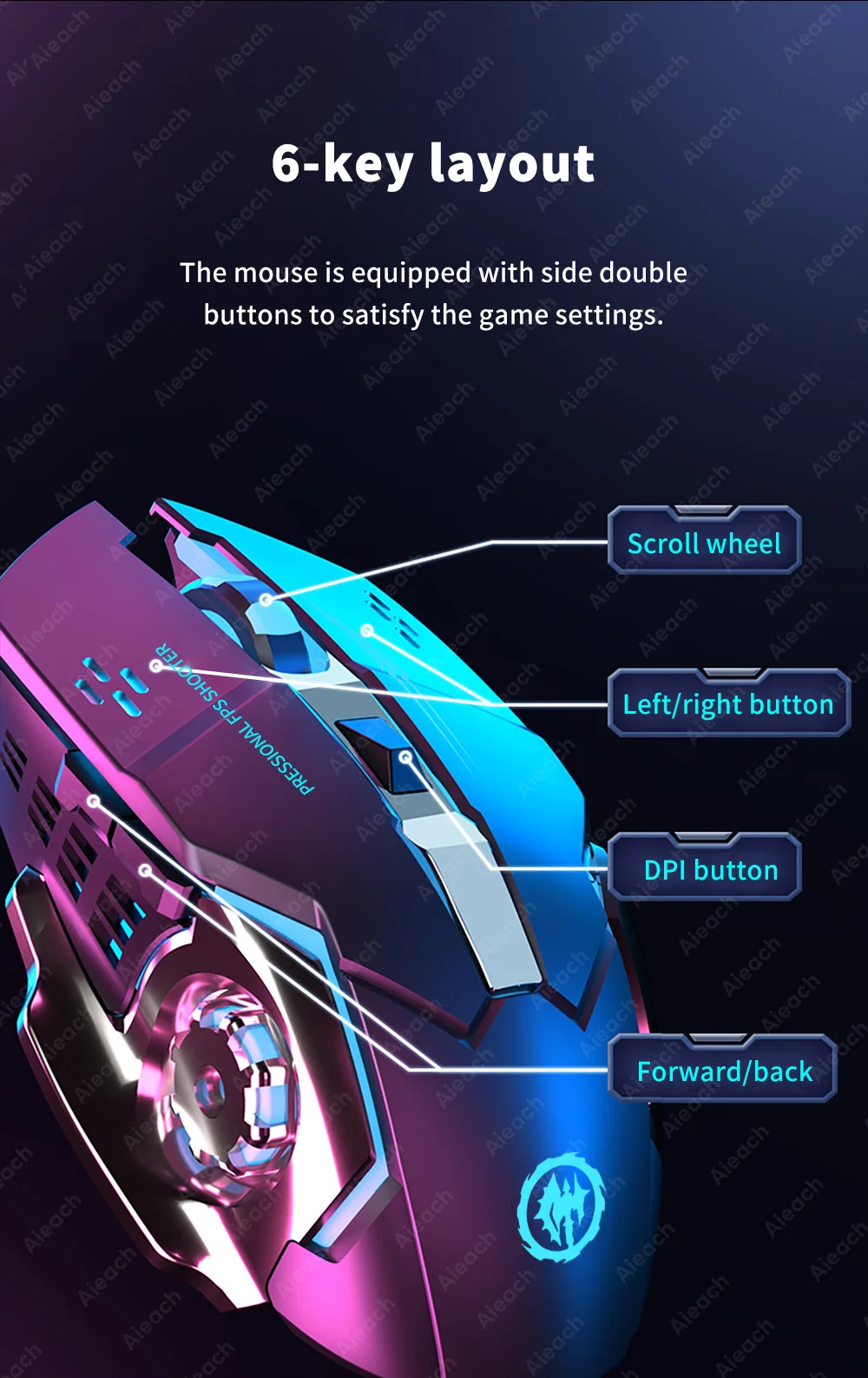
6-key layout
The mouse is equipped with side double buttons to satisfy the game settings.
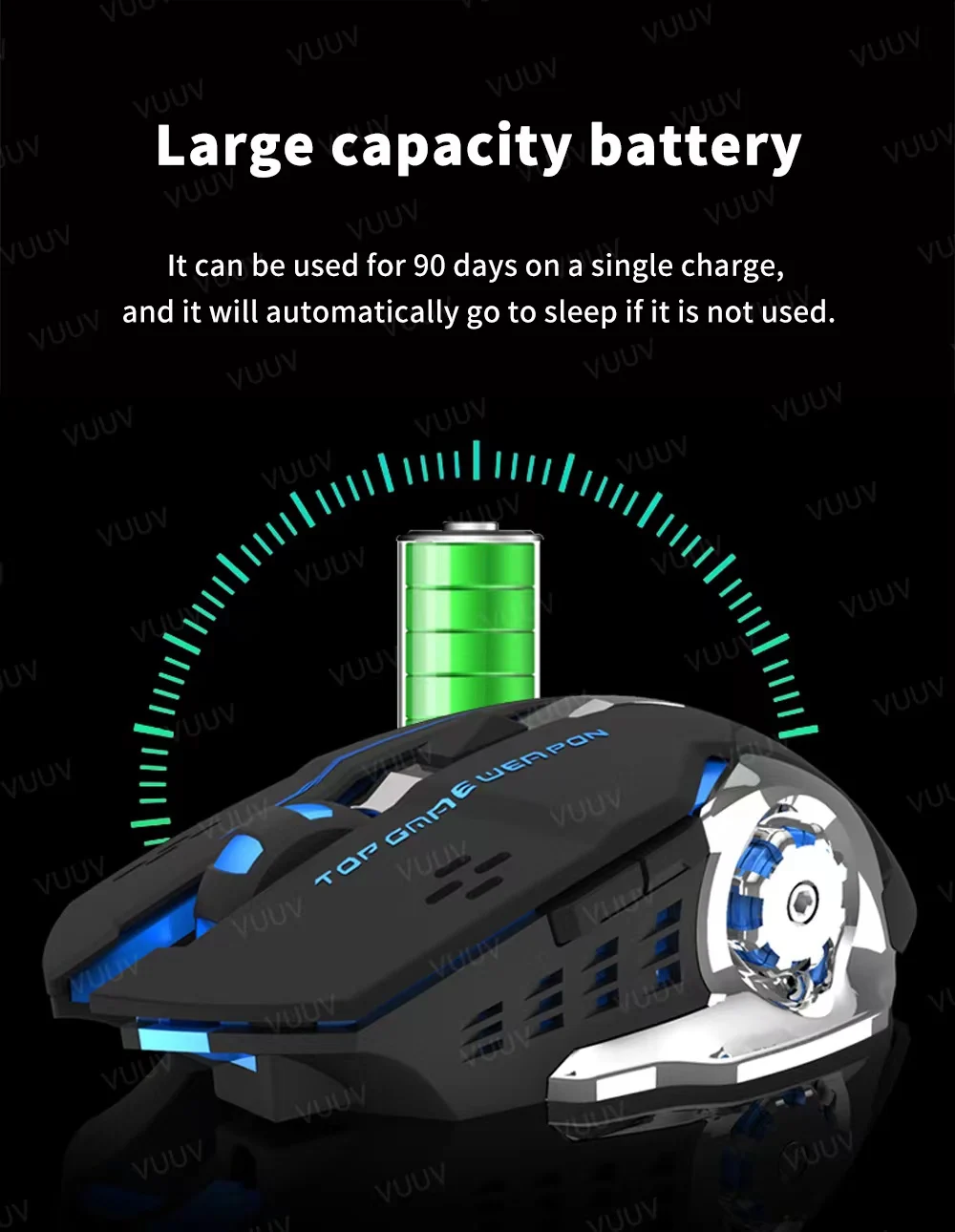
Large capacity battery
It can be used for 90 hours on a single charge.
The above data are measured by the AIEACH laboratory, the actual use will be slightly different depending on the specific circumstances.
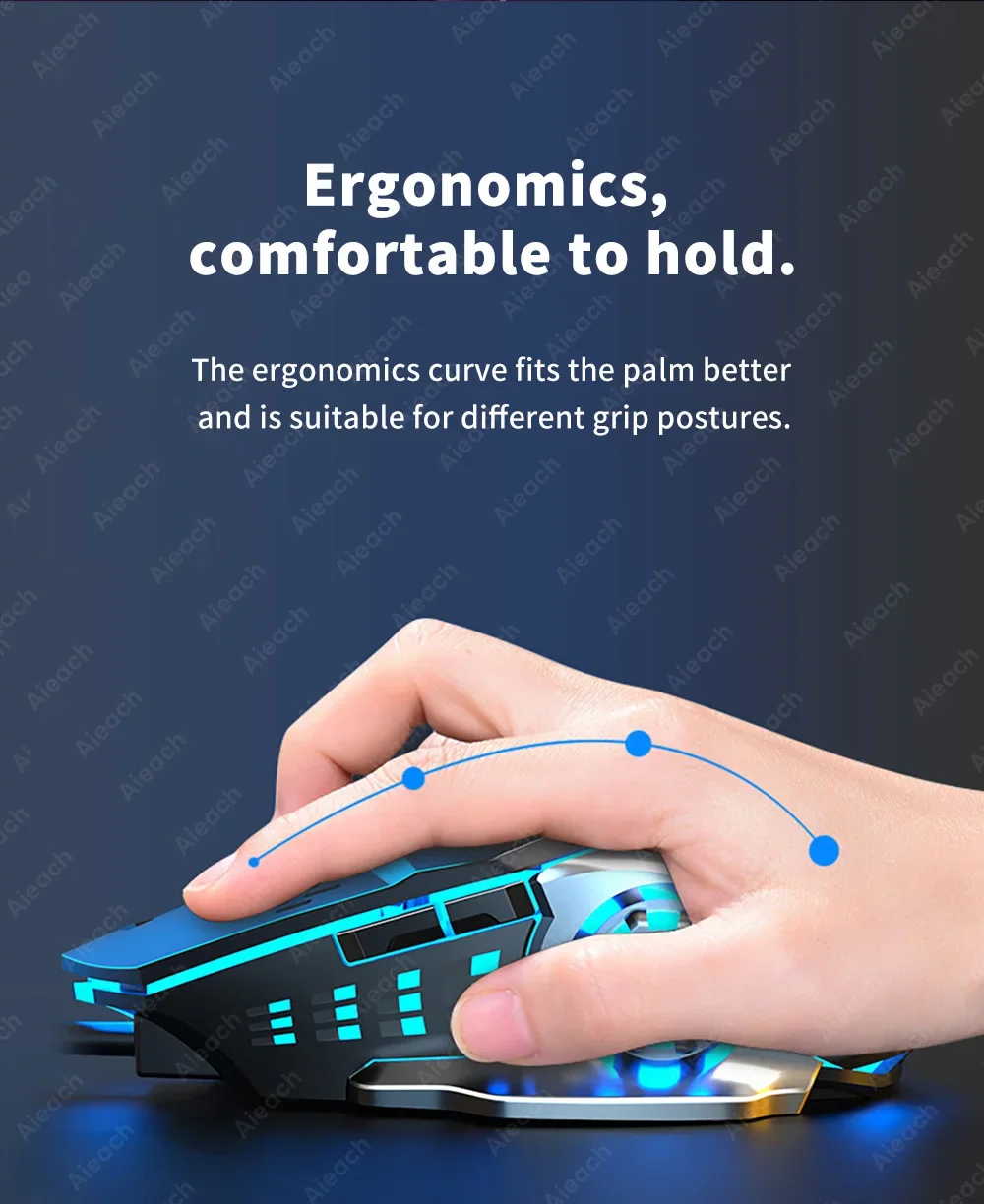
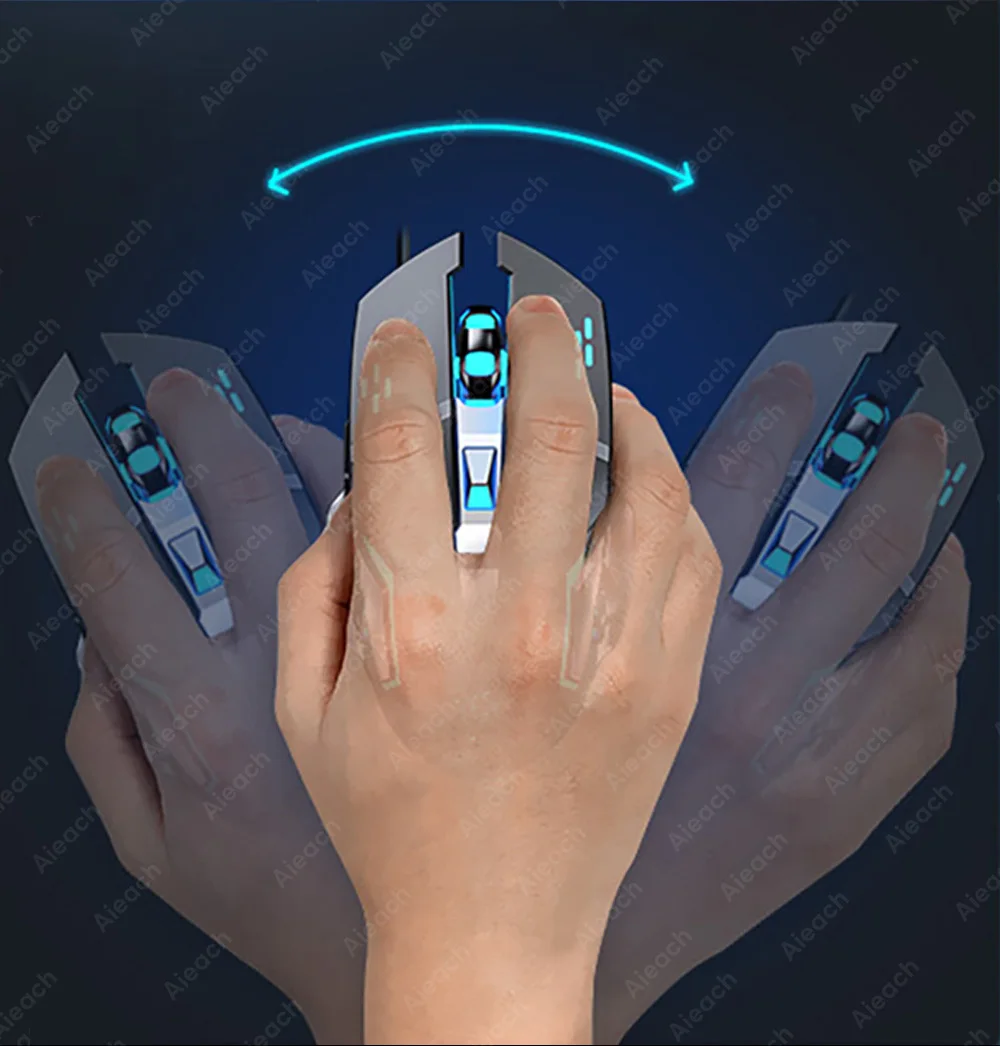
Ergonomics, comfortable to hold.
The ergonomics curve fits the palm better and is suitable for different grip postures.
Mouse Connection Steps
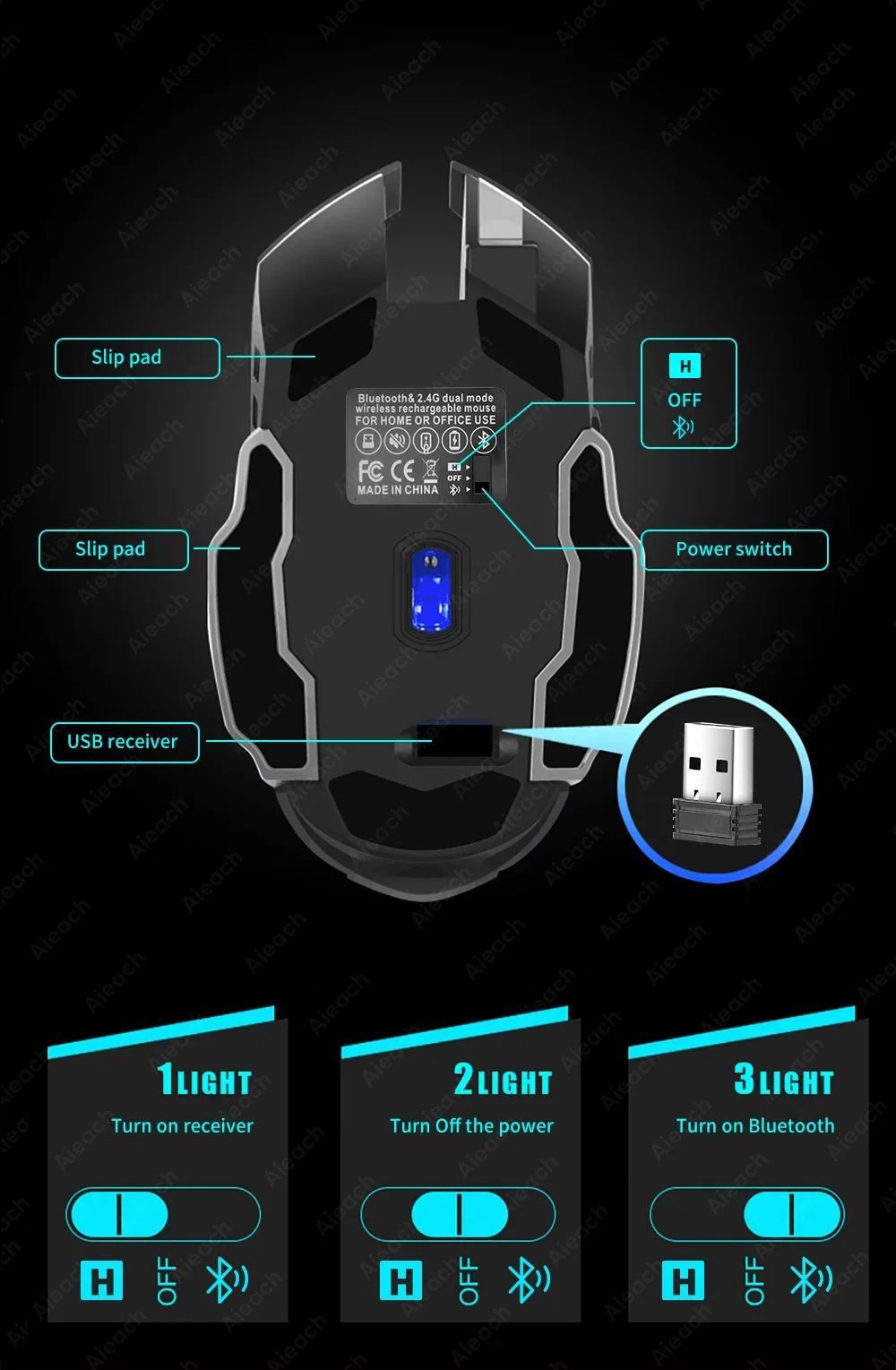
Take out the receiver at the bottom of the mouse, plug it into the USB port of the computer, and wait for about 15 seconds.
Turn on the switch at the bottom of the mouse (move it to the ON position), the mouse lights up for a few seconds means: the mouse is turned on.
Push the switch to ☼ , the mouse will turn on the seven-color breathing light mode.
Bluetooth connection: Push the switch to ON and the red light flashes, then you could connect to the mouse Bluetooth.